RiseCert

RiseScore
How AI-fluent are you, really? Free · Get your RiseScore and a shareable badge How it works
Begin Assessment

Securing Your AI Tools & Data

Every AI tool that reads your documents, holds your data, or acts on your behalf is a new door into your organization. This course shows how to lock those doors without giving up the tools. You'll learn the four ways AI tools are exploited, the everyday habits that make AI use safe by default, and the organizational safeguards that hold it all together. You'll finish with four questions that let you evaluate any AI tool, including ones that don't exist yet.
Prerequisites
Video preview
Course details
Duration 1h 01m 47s
Lectures 15
Video 1 hour
Quizzes 1
Level Beginner

Course Description

AI assistants, agents, and plugins read your files, earn people's trust, and increasingly act on your behalf. That makes them valuable to you and to attackers. This course treats your AI like a bright, gullible colleague: worth employing fully, and worth managing sensibly.

What you'll learn

  • The four exploitation paths: prompt injection, data leakage, poisoned inputs, and shadow AI
  • The five-second pre-paste check: approved tool, work account
  • Prompt hygiene that strips identifiers without weakening the answer
  • Verifying AI outputs in proportion to what breaks if they're wrong
  • Least privilege for agents, plugins, and integrations, plus a quarterly connection audit
  • Usable AI policy, identity and access, event monitoring, and eight vendor security questions

Who it's for

Any employee who uses AI tools at work, plus the managers, IT staff, and tool evaluators who decide how those tools are approved, connected, and governed. No technical background required.

15 short video lessons in three modules: The New Attack Surface, Safe Usage Controls, and Organizational Safeguards.

This course is educational and is not legal or security-consulting advice. Your employer's security policy and counsel govern.

Module 1: The New Attack Surface
Module 2: Safe Usage Controls
Module 3: Organizational Safeguards

Learn at your own pace

Study the materials at your convenience, you can always return to them to repeat

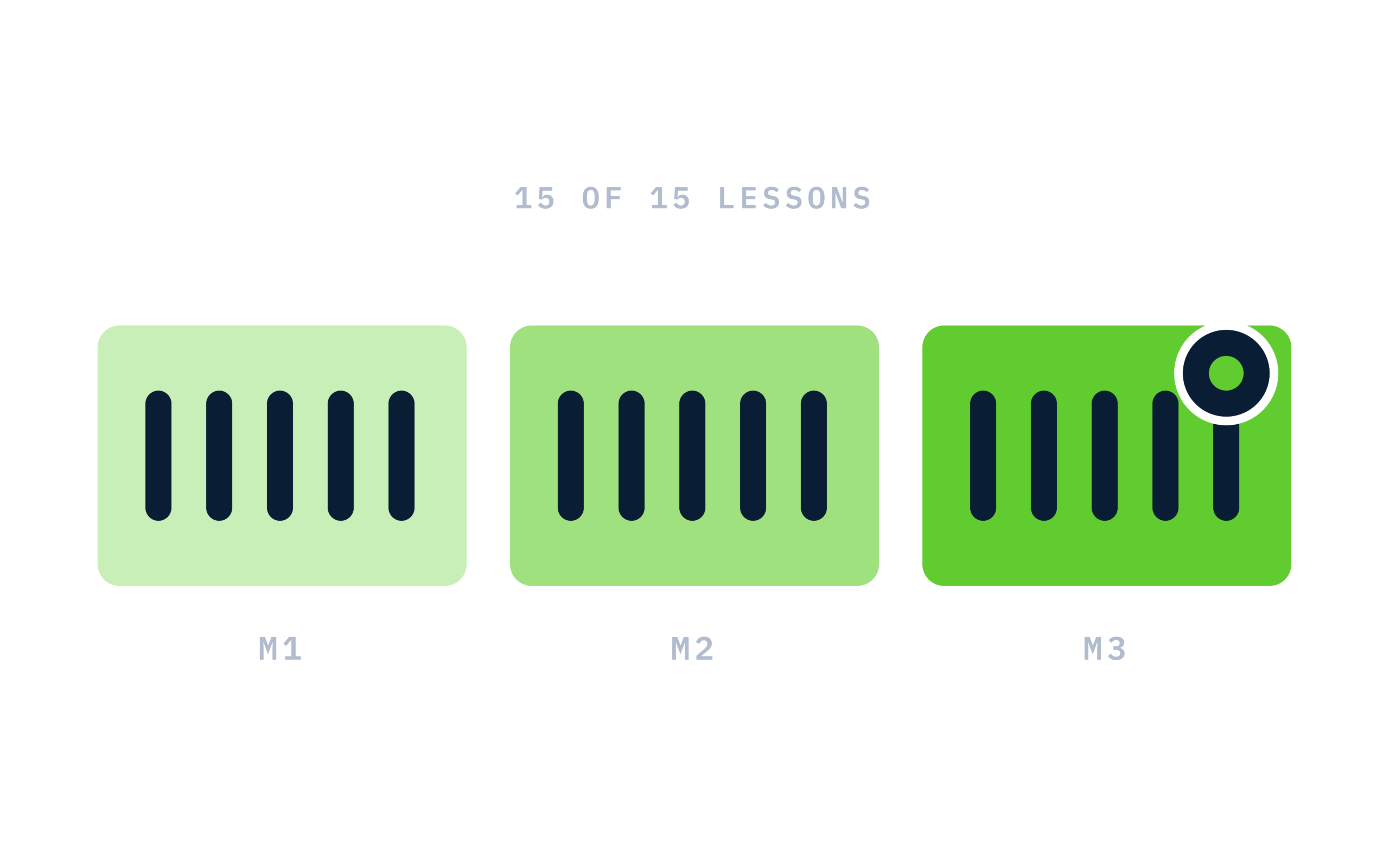
RiseCert illustration: Course structure: 3 modules of 5 lessons, 15 of 15 lit

Certificate of completion

Complete every lesson and pass the final exam to earn a RiseCert certificate of completion you can download and share.

RiseCert certificate of completion background

Your Name

Securing Your AI Tools & Data

RISECERT

CERTIFICATE

For demonstrated knowledge and successful completion of all course requirements for:

MM.DD.YYYY

Certificate Date

Ready to get started?

Enroll in Securing Your AI Tools & Data and earn your RiseCert certificate of completion.

Prerequisites

Got Questions? We've Got Answers!

Answers to the most common questions about this course.

What is the Securing Your AI Tools & Data course?
Securing Your AI Tools & Data is a RiseCert online course that teaches employees how to keep using AI assistants, agents, and plugins while protecting company data. It covers how AI tools are attacked, the daily habits that make AI use safe, and the organizational safeguards behind them, in 15 video lessons (just over an hour) and a final exam.
Who should take an AI security course for employees?
Anyone who uses AI tools at work, whether chat assistants, meeting bots, agents, or plugins. Managers, IT staff, and the people who evaluate or approve AI tools also benefit, because Securing Your AI Tools & Data covers usable AI policy, identity and access, monitoring, and the security questions to ask AI vendors.
What is prompt injection?
Prompt injection is hiding instructions inside content an AI will read, such as a document, email, web page, or meeting transcript, so the AI follows the attacker's instructions instead of yours. The course compares the AI to an intern who obeys sticky notes found inside the mail, and teaches user-level defenses like feeding trusted sources and watching for behavior swerves.
What is shadow AI, and why is it a security risk?
Shadow AI is any AI tool used for work without organizational approval, such as a browser extension, transcription bot, or free formatting tool. The course explains that the risk is exposure, not disobedience: company data sits outside every protection, with no contract, security review, managed login, or incident path. It teaches a path to surface, request, migrate, and advocate.
Is it safe to paste work data into an AI chatbot?
It depends on the tool and the account. The course teaches a five-second check before any work data touches AI: is this tool on the approved list, and am I on the work account? Even then, credentials, identified people, regulated data, and crown-jewel secrets stay out, and identifiers are stripped while the situation and structure are kept.
How do I give an AI agent or plugin safe permissions?
Apply least privilege. Securing Your AI Tools & Data teaches granting only what the function needs (read is not write, one folder is not all folders), preferring narrow scopes, reviewing grants quarterly, and asking what the worst this permission set can do. Irreversible steps like external sends, payments, deletions, and access changes end at a human approval.
What questions should I ask an AI vendor about security?
The course teaches eight. Four cover your data's fate: training, retention, subprocessors, and deletion. Four cover the vendor's defenses: certifications and audits shared rather than claimed, prompt injection defenses, breach history and notification, and the access controls and logging customers get. It also teaches telling substance from deflection and scaling scrutiny to data sensitivity.
Do I need a technical or cybersecurity background?
No. Securing Your AI Tools & Data is written for everyday AI users, not security specialists, and explains concepts like prompt injection and least privilege in plain language. There is no coding. Familiarity with the AI tools your organization uses helps, because the course applies its habits to the assistants, agents, and integrations you already work with.
What will I be able to do after completing the course?
You'll be able to recognize injection, leakage, poisoning, and shadow AI; run the approved-tool and work-account check; de-identify prompts without weakening answers; verify outputs in proportion to stakes; set least-privilege agent and plugin permissions; run a quarterly connection audit; contribute to a usable AI policy; and question AI vendors about security.
How is this different from general security awareness training?
General security awareness training focuses on threats like phishing and passwords. Securing Your AI Tools & Data focuses on the attack surface AI tools create: hidden instructions in content the AI reads, data leaking through prompts and chat history, poisoned sources, ungoverned tools, over-permissioned agents and plugins, and the policy, identity, and monitoring safeguards built around them.
How long does Securing Your AI Tools & Data take?
The course has just over an hour of video across 15 lessons, plus a final exam. Lessons run about four minutes each and are organized into three modules: The New Attack Surface, Safe Usage Controls, and Organizational Safeguards. Many learners finish in one or two sittings.
Is the course online and self-paced?
Yes. The course is 100% online and self-paced, and your access does not expire. You can start, pause, and resume at any time on a computer, tablet, or phone with a modern web browser. There's nothing to install.
Is there a final exam?
Yes. The course ends with a 30-question multiple-choice final exam covering all three modules. You need a score of 80% or higher (24 of 30) to pass, and you can retake the exam as many times as you need. Finish all 15 lessons and pass the exam to complete the course.
Do I get a certificate of completion?
Yes. After you complete all 15 lessons and pass the final exam, you can download a RiseCert certificate of completion. It is a course completion certificate, not a license, a professional security certification, or a continuing education (CE) certificate.
Does the course count for CPE or continuing education credit?
No. Securing Your AI Tools & Data is not currently approved or accredited for continuing education credit of any kind, including CE, CPE, or CEU, by any state, licensing body, or certification organization. If you need credits to maintain a credential, take a course approved by that credential's body.
Will the course still apply as AI tools change?
Yes. The course anchors on habits and questions rather than any particular product. It closes with four questions to ask of any AI tool, including ones that don't exist yet: what can it read, what can it do, where does the data go, and who's accountable when it's wrong. Your employer's current approved-tool list still governs.
Is this course legal or security-consulting advice?
No. Securing Your AI Tools & Data is educational and stays at a defensive, awareness level. It is not legal advice or security-consulting advice, and it can't tell you what your organization's controls should be. Your employer's security and privacy policies, your IT and security teams, and qualified counsel govern specific decisions.
Does the course recommend specific AI tools?
No. The course does not endorse or rank AI products. It teaches how to evaluate any tool: whether it's approved, whether you're on a work account, what permissions it asks for compared with its function, and how its vendor answers eight security questions about data handling and defenses.
How much does the course cost, and can I enroll my team?
The course costs $99 per learner as a one-time purchase, with no subscription or recurring fees. To enroll a team, department, or whole organization, contact RiseCert through the Contact Us page at risecert.org.
What is the refund policy?
All sales are final and no refunds are issued, as stated in the RiseCert Terms of Use. Please review the course description, lesson list, and these FAQs before purchasing, and contact RiseCert with any questions first.