
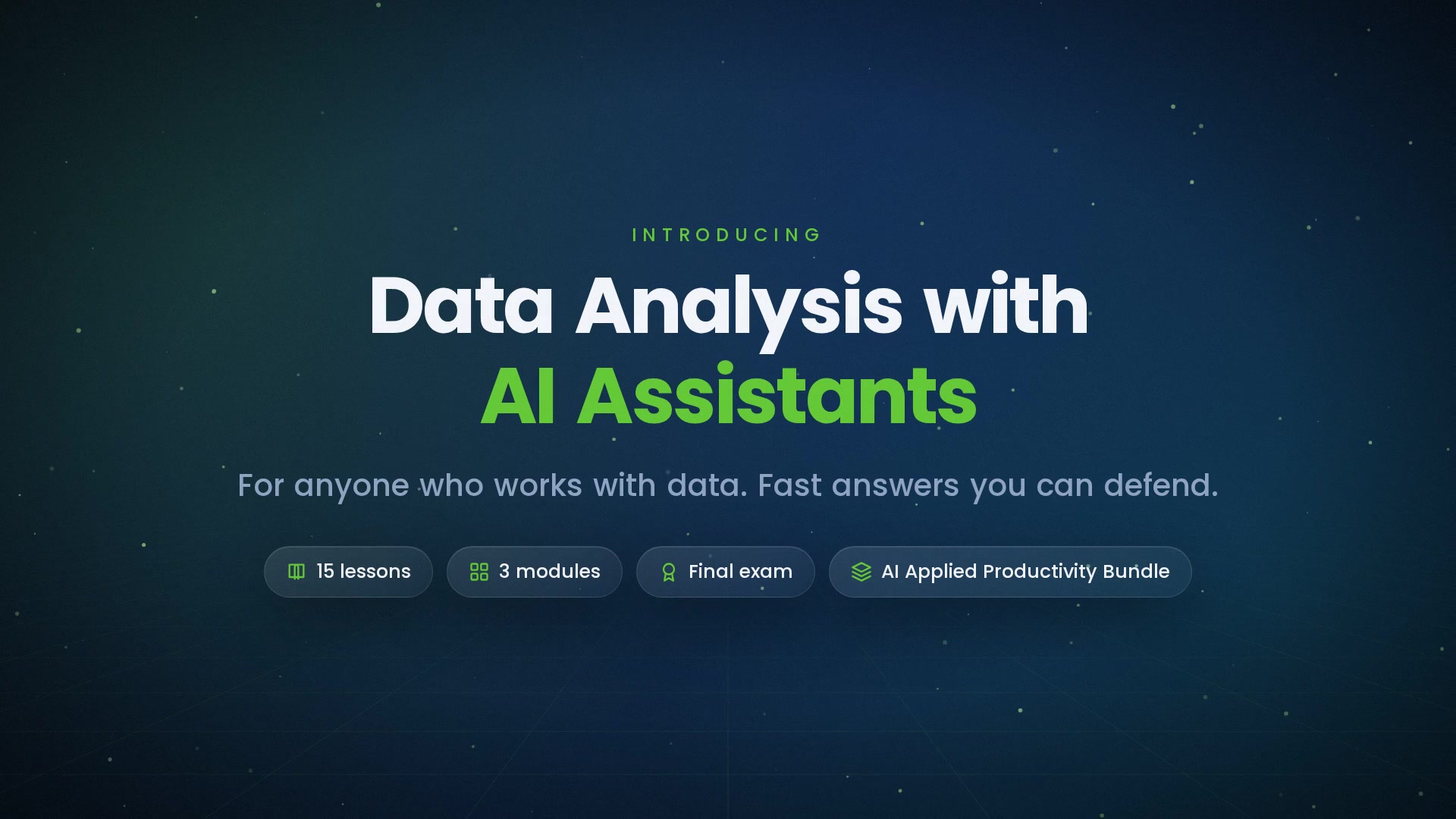
-
 1.1 What "Analysis with AI" Actually Means
Describing, comparing, trending, and flagging — what the assistant does with a table, and what it guesses.
In this lesson:
- Name the four analysis tasks an assistant does reliably on a table
- Distinguish computed answers from guessed ones
- Set realistic expectations for AI-assisted analysis
-
1.2 Preparing the Data
Clean headers, one table per file, consistent units — and removing what shouldn't leave the building.
In this lesson:
- Prepare a table so an assistant can analyze it correctly
- Recognize the structural problems that cause wrong answers
- Remove sensitive columns before any data enters a tool
-
1.3 Asking the First Questions
Totals, averages, top and bottom, changes over time — how to phrase them and how to read the answer.
In this lesson:
- Phrase descriptive questions so the answer is unambiguous
- Read an answer for the definition the tool used
- Ask for the calculation alongside the result
-
1.4 Checking the Assistant's Math
Spot-checks, round-number sanity, and the two figures you always recompute yourself.
In this lesson:
- Run a spot-check on AI-computed figures
- Use round-number estimation to catch large errors instantly
- Identify the two figures in any analysis that must be recomputed independently
-
1.5 Where Data Analysis Goes Wrong
Wrong column, wrong filter, wrong date range — the failure patterns and how each one looks in an answer.
In this lesson:
- Name the five most common AI analysis failures
- Recognize the symptom of each in an answer
- Prevent each with a line in the prompt
-
2.1 Trends and Comparisons
Month over month, segment versus segment — and asking for the caveat behind every trend.
In this lesson:
- Ask for trend and comparison analyses with explicit definitions
- Request the caveats that accompany any trend
- Distinguish a real trend from noise and from a base-rate effect
-
2.2 Segmenting and Grouping
By customer, region, product, or team — and keeping group definitions consistent across questions.
In this lesson:
- Define segments explicitly before asking for grouped analysis
- Keep segment definitions consistent across a session and a report
- Detect when a segment is too small to support a conclusion
-
2.3 Outliers and Anomalies
Asking what looks unusual, then deciding whether it's a data error or a real signal.
In this lesson:
- Ask the assistant to surface outliers with a stated method
- Triage each outlier: error, one-off, or signal
- Decide how outliers are handled in the analysis and say so
-
2.4 Charts That Tell the Truth
Choosing the chart, labeling it honestly, and the distortions to refuse.
In this lesson:
- Choose the chart type that matches the question
- Specify labels, axes, and sources so the chart is honest
- Reject AI-generated charts that distort the data
-
2.5 Correlation, Causation, and Over-Reach
Reading "because" in an AI answer with suspicion — what the data can and cannot say.
In this lesson:
- Distinguish correlation from causation in AI-generated analysis
- Identify the over-reach patterns in AI commentary
- Rewrite causal claims as what the data supports
-
3.1 The Analysis Summary
Question, method, finding, confidence, caveats — five lines a decision-maker can trust.
In this lesson:
- Write a five-part analysis summary
- State confidence based on data quality and sample size
- Draft the summary with the assistant from verified results
-
3.2 Reproducibility
Saving the prompts, the data version, and the steps so the analysis can be re-run and defended.
In this lesson:
- Keep an analysis record that allows exact re-running
- Version the data used so results can be traced
- Re-run an analysis on new data without redoing the thinking
-
3.3 Data Privacy and Governance
Customer and employee data, aggregation before analysis, and approved tools only.
In this lesson:
- Apply aggregation and minimization before data enters a tool
- Recognize data that needs governance approval before analysis
- Use only approved tools and document data handling in the record
-
3.4 When to Bring in an Analyst
The questions that need statistics, modeling, or a data professional — and how to hand off well.
In this lesson:
- Recognize the question types that exceed AI-assisted self-service analysis
- Hand off to an analyst with a package that saves them time
- Know what to keep doing yourself even when an analyst is involved
-
3.5 The Analyst's Habit
Prepare, ask, check, chart, summarize — the checklist and your first dataset; the finale.
In this lesson:
- Recall the five-step analysis habit
- Apply the course checklist to a real dataset
- Complete Data Analysis with AI Assistants

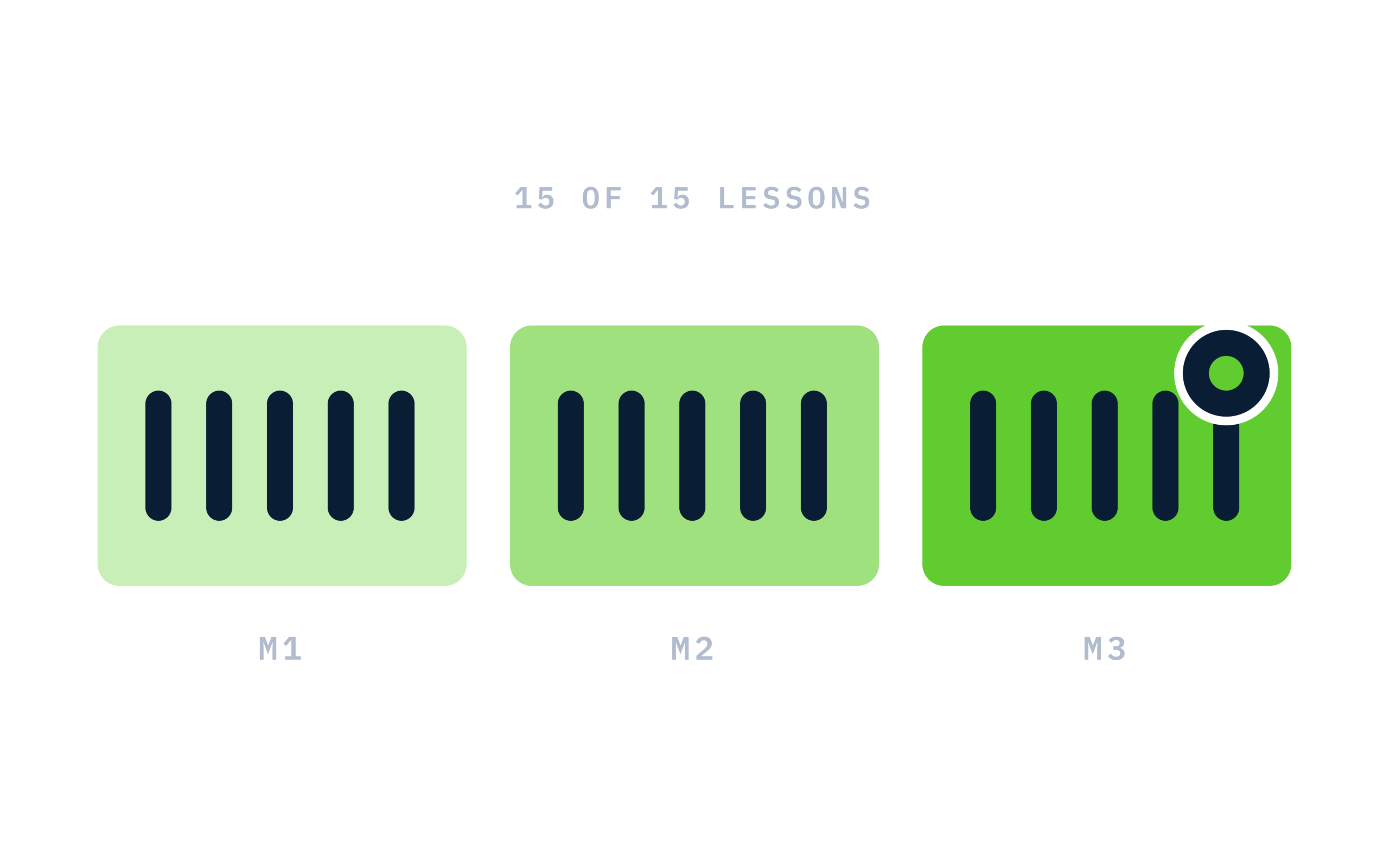
Certificate of completion
Complete every lesson and pass the final exam to earn a RiseCert certificate of completion you can download and share.

Your Name
Data Analysis with AI Assistants
RISECERT
CERTIFICATE
For demonstrated knowledge and successful completion of all course requirements for:
MM.DD.YYYY
Certificate Date

Ready to get started?
Enroll in Data Analysis with AI Assistants and earn your RiseCert certificate of completion.
Got Questions? We've Got Answers!
Answers to the most common questions about this course.