
-
 1.1 Where AI Fits in Engineering
Generation, explanation, tests, docs, review support — and what stays with the engineer: architecture, security, accountability.
In this lesson:
- Name the five places AI works in an engineering workflow
- Identify the three things that stay with the engineer
- Adopt the stance for the rest of the course
-
1.2 Generated Code Is a Pull Request From a Stranger
The review standard, read every line, and the tells of plausible-but-wrong code.
In this lesson:
- Apply the same review standard to generated code as to a stranger's PR
- Recognize the common patterns of plausible-but-wrong generated code
- Refuse to merge code you can't explain
-
1.3 Context Is Everything
The brief for a coding task — purpose, constraints, conventions, examples — and the repository context the tool needs.
In this lesson:
- Write a coding brief that produces code in your conventions on the first try
- Give the assistant the right repository context without over-sharing
- Maintain a project-level context file the whole team uses
-
1.4 Secrets, Proprietary Code, and Licensing
What never goes in a prompt, license and provenance questions about generated code, and approved tools.
In this lesson:
- Keep secrets, customer data, and restricted code out of AI tools
- Handle license and provenance questions about generated code
- Apply the approved-tools policy for coding assistants
-
1.5 Measured Reality: When AI Helps and When It Slows You Down
Date-stamped research on productivity, task fit, and the over-reliance trap for skills.
In this lesson:
- Summarize what controlled studies have found about AI and developer productivity
- Match AI use to the tasks where it measurably helps
- Guard against the perception gap and skill erosion
-
2.1 Generation With Guardrails
Small, specified tasks; interfaces first; the compile-test-review loop.
In this lesson:
- Break work into small, specified generation tasks
- Design the interface before generating the implementation
- Run the compile-test-review loop on every generated change
-
2.2 Tests From the Assistant
Coverage of edges, not just the happy path; tests that would fail; reviewing generated tests as carefully as code.
In this lesson:
- Brief the assistant for tests that cover edges and failure modes
- Verify that generated tests can actually fail
- Review generated tests with the same rigor as generated code
-
2.3 Debugging With an Assistant
The debugging brief — code, error, expected, actual, minimal reproduction — and hypotheses, not conclusions.
In this lesson:
- Write a debugging brief that gets useful hypotheses
- Treat the assistant's diagnosis as a hypothesis to test, never a conclusion
- Recognize when the assistant is pattern-matching instead of reasoning
-
2.4 Documentation and Comments
READMEs, API docs, and runbooks from the code — kept in sync, with the accuracy pass.
In this lesson:
- Generate documentation from code that reflects what the code actually does
- Keep docs in sync with code through the review process
- Run the accuracy pass on every generated doc before it's published
-
2.5 Code Review Support
The assistant as a first-pass reviewer — what it catches, what it misses — and the human review that is not optional.
In this lesson:
- Use the assistant as a first-pass reviewer on every PR
- Know which classes of problems AI review catches and which it misses
- Keep the human review as the decision on every merge
-
3.1 Coding Agents: Scope, Permissions, Checkpoints
Least privilege, sandboxes, and human approval before merge, deploy, or delete.
In this lesson:
- Scope a coding agent's task and permissions before it starts
- Run agents in sandboxes with least privilege
- Place human checkpoints before every irreversible action
-
3.2 Security Review of Generated Code
Injection, secrets, dependencies, unsafe defaults — the security checklist and scanning tools.
In this lesson:
- Recognize the security weaknesses generated code commonly introduces
- Run the security checklist on every generated change
- Use scanning tools as a floor, not a ceiling
-
3.3 Prompt Injection Through Code and Data
Comments, issues, and inputs that carry instructions — and defensive patterns for agent workflows.
In this lesson:
- Explain how prompt injection reaches coding assistants and agents
- Identify the untrusted content sources in an engineering workflow
- Apply defensive patterns that limit what injected instructions can do
-
3.4 Team Standards for AI-Assisted Development
Conventions, disclosure in PRs, shared prompts, the test set for prompts, and the review policy.
In this lesson:
- Establish team conventions for how AI tools are used in the codebase
- Disclose AI assistance in PRs in a useful, non-performative way
- Maintain shared prompts with a test set and a review policy
-
3.5 The AI-Enabled Engineer
Brief, generate, review, test, protect — the checklist and your next feature; the finale.
In this lesson:
- Recall the five-part practice of the AI-enabled engineer
- Apply the course checklist to a real feature
- Complete AI for Technical & Development Teams

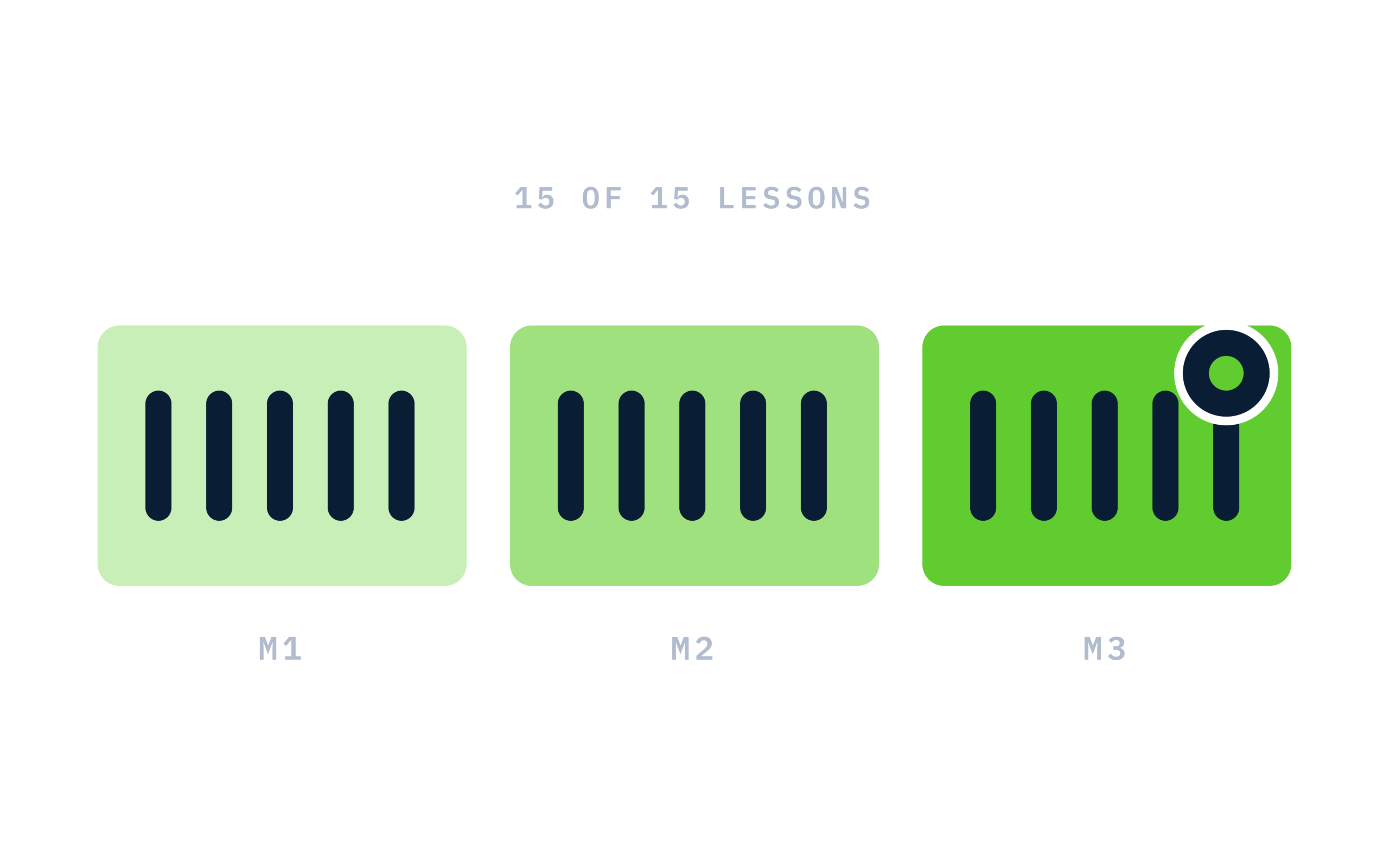
Certificate of completion
Complete every lesson and pass the final exam to earn a RiseCert certificate of completion you can download and share.

Your Name
AI for Technical & Development Professionals
RISECERT
CERTIFICATE
For demonstrated knowledge and successful completion of all course requirements for:
MM.DD.YYYY
Certificate Date

Ready to get started?
Enroll in AI for Technical & Development Professionals and earn your RiseCert certificate of completion.
Got Questions? We've Got Answers!
Answers to the most common questions about this course.