
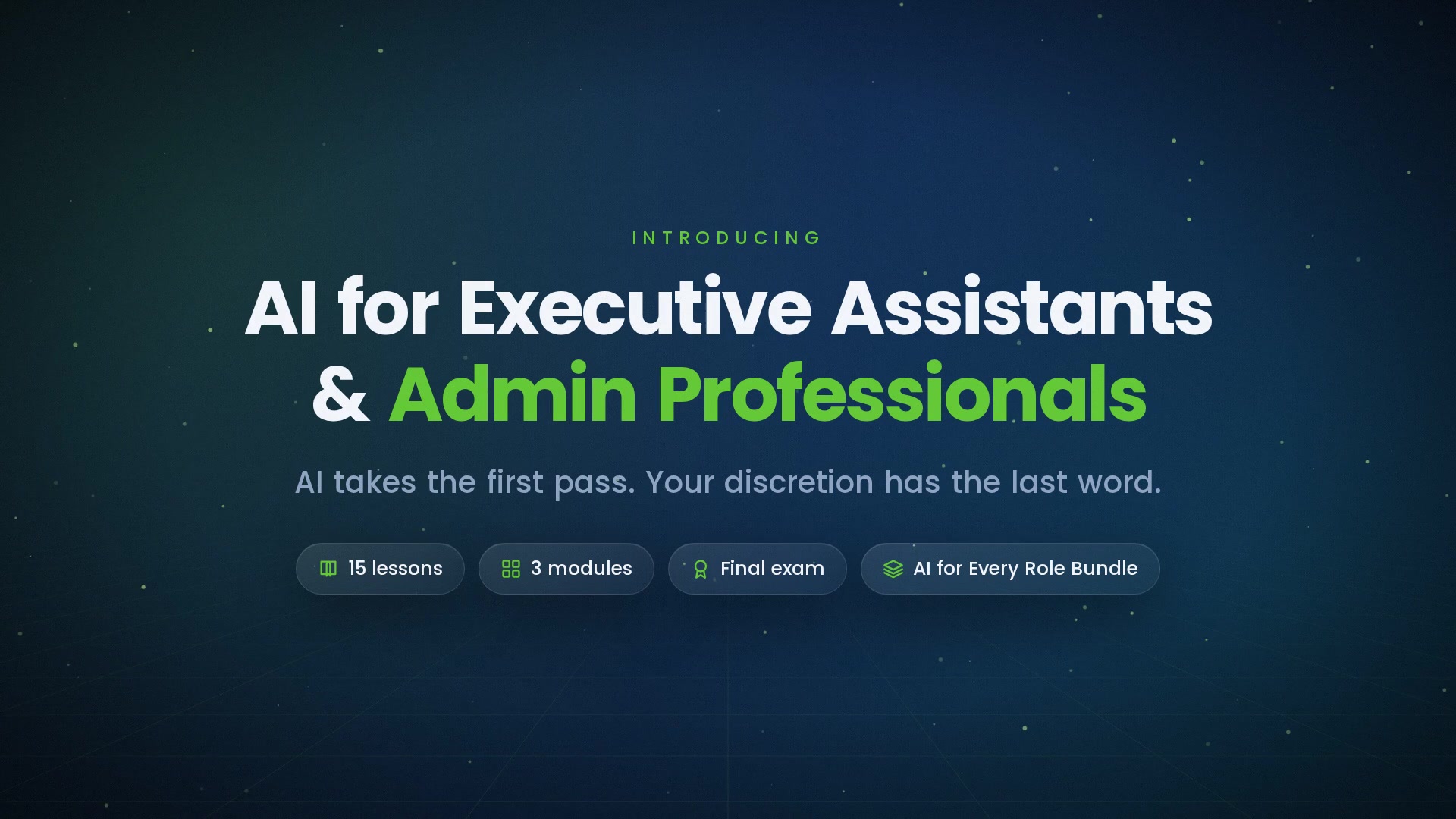
-
 1.1 Where AI Fits in the Admin Role
The map — drafting and organizing vs. discretion, judgment, and relationships.
In this lesson:
- Name where AI works in an assistant's day
- Distinguish drafting and organizing from discretion, judgment, and relationships
- Adopt the three rules for the course
-
1.2 The Executive's Information Is Different
Calendars reveal strategy, inboxes reveal everything — anonymize, minimize, approved tools only.
In this lesson:
- Recognize what an executive's calendar, inbox, and documents reveal
- Minimize and anonymize before any executive material enters a tool
- Apply the approved-tools rule without exception
-
1.3 Writing in Someone Else's Voice
The voice note for the executive, samples and rules, and what you may sign and what they must.
In this lesson:
- Build a voice note that lets the assistant draft in the executive's voice
- Maintain the samples and rules that keep the voice accurate
- Know which messages you may send under your name, which under theirs, and which only they may send
-
1.4 Verification for Logistics
Dates, times, time zones, names, amounts — the check before anything is booked or sent.
In this lesson:
- Identify the logistics details AI gets plausibly wrong
- Run the six-point check before anything is booked or sent
- Build the verification into the workflow so it's never skipped
-
1.5 Sensitive Correspondence
Condolences, conflicts, personal matters — the tool steps back, the person writes.
In this lesson:
- Recognize the correspondence where AI drafting is the wrong choice
- Handle sensitive messages with the tool in a support role only
- Route what the executive must write themselves
-
2.1 Inbox Triage and Drafted Replies
Categorization, priority stays human, replies in the executive's voice, and the pre-send check.
In this lesson:
- Use AI categorization on the executive's inbox with a fixed category set
- Keep priority decisions with the assistant's judgment
- Run the pre-send check on every drafted reply
-
2.2 Calendar and Scheduling
Options from constraints — the assistant proposes; conflicts and priorities decided by a person.
In this lesson:
- Brief the assistant with scheduling constraints so its options are usable
- Resolve conflicts and set calendar priorities by judgment
- Protect the executive's time with rules the tool applies and you own
-
2.3 Travel and Expenses
Itineraries drafted and verified line by line — expense reconciliation with control totals.
In this lesson:
- Draft itineraries from a brief and verify every line before booking
- Reconcile expenses with the assistant using control totals and exception lists
- Keep bookings, payments, and approvals with people
-
2.4 Briefings and Meeting Prep
The one-page briefing from source documents, verified facts, and the question bank.
In this lesson:
- Produce a one-page briefing from source documents with the assistant
- Verify every fact in a briefing against its source
- Prepare the questions and context the executive will need
-
2.5 Meeting Capture and Follow-Up
Consent, the summary shape, actions with owners and dates, and the follow-up within the hour.
In this lesson:
- Record and summarize meetings with proper consent and the right template
- Turn a meeting into actions with owners and dates
- Send the follow-up within the hour, verified
-
3.1 Documents and Presentations
Drafts from the executive's outline, the accuracy pass, and brand consistency.
In this lesson:
- Draft documents and decks from the executive's own outline
- Run the accuracy pass on every number, name, and claim
- Keep every document on brand and in the executive's voice
-
3.2 Event and Project Coordination
Checklists, vendor communication, tracking across weeks — and the log that catches slippage.
In this lesson:
- Build event and project checklists from a brief with the assistant
- Draft and verify vendor communications
- Track commitments across weeks with a log that surfaces slippage
-
3.3 Research and Summaries for Decisions
The research brief, verified sources, and the memo with confidence and caveats.
In this lesson:
- Brief the assistant for research the executive can act on
- Verify every source and claim before it reaches the executive
- Write the decision memo with stated confidence and caveats
-
3.4 Gatekeeping With Judgment
What the assistant can't know — who matters, what's urgent, what the executive would want — and the questions to ask.
In this lesson:
- Explain why gatekeeping decisions stay with the assistant, not the tool
- Apply the four questions to any request for the executive's time or attention
- Recognize and refuse AI-enabled attempts to get past the gate
-
3.5 The AI-Enabled Assistant
Triage, draft, verify, protect, decide with discretion — the checklist and your next week; the finale.
In this lesson:
- Recall the five-part practice of the AI-enabled assistant
- Apply the course checklist to a live week
- Complete AI for Executive Assistants & Admin Professionals

Certificate of completion
Complete every lesson and pass the final exam to earn a RiseCert certificate of completion you can download and share.

Your Name
AI for Executive Assistants & Admin Professionals
RISECERT
CERTIFICATE
For demonstrated knowledge and successful completion of all course requirements for:
MM.DD.YYYY
Certificate Date

Ready to get started?
Enroll in AI for Executive Assistants & Admin Professionals and earn your RiseCert certificate of completion.
Got Questions? We've Got Answers!
Answers to the most common questions about this course.