
-
 1.1 Where AI Fits in Service
Triage, drafting, retrieval, automation, QA — and what stays with the agent.
In this lesson:
- Name the five places AI works in a service operation
- Identify what stays with the agent in every contact
- Adopt the division of labor for the rest of the course
-
1.2 Triage and Routing
Categorization at volume, the fallback for the unsure case, and the human check on priority.
In this lesson:
- Configure AI categorization with a small, fixed category set
- Build the fallback for contacts the tool can't classify confidently
- Keep priority decisions with a person
-
1.3 Suggested Replies and Auto-Drafts
A click is a send — the pre-send check for price, date, policy, and promise.
In this lesson:
- Use suggested replies as drafts, never as answers
- Run the four-item pre-send check on every AI draft
- Make a draft sound like a person who read the message
-
1.4 The Knowledge Base Behind the Assistant
Retrieval over your articles — versions, dates, ownership, and the not-found rule.
In this lesson:
- Explain how retrieval grounds the assistant in your own articles
- Structure articles so they retrieve accurately
- Enforce the not-found rule so the assistant never answers from nothing
-
1.5 Customer Data in Service Tools
Minimize and anonymize, approved tools — and what a pasted ticket actually contains.
In this lesson:
- Recognize the personal data inside an ordinary ticket
- Anonymize before any ticket content enters a tool
- Apply the approved-tools rule without exception
-
2.1 Chat Assistants: Scope and Guardrails
What it answers, what it refuses, the fixed refusal, and escalation triggers.
In this lesson:
- Define a customer-facing assistant's scope as a short allowed list
- Write the fixed refusal and the escalation triggers
- Configure the assistant so it cannot make commitments
-
2.2 Testing the Assistant Before Customers Do
Invention, promises, scope, distress, loops, injection — and the monthly test set.
In this lesson:
- Test a customer-facing assistant against the six failure modes
- Build and maintain a monthly regression test set
- Decide go or no-go from test results, not from demos
-
2.3 Escalation Design
The hand-off to a human — when, how fast, with what context.
In this lesson:
- Design the hand-off so the customer never repeats themselves
- Set and measure the hand-off time target
- Give the receiving agent the context they need in one screen
-
2.4 Difficult and Sensitive Contacts
Complaints, distress, vulnerability — the tool steps back, the agent steps in, and routing to help.
In this lesson:
- Recognize the contacts where AI must step back entirely
- Use the assistant only for preparation and admin on sensitive contacts
- Route customers in crisis to appropriate help
-
2.5 Legal and Regulatory Boundaries in Replies
The compliance block — guarantees, health, financial, legal, and data statements.
In this lesson:
- Identify the statement types in service replies that carry legal weight
- Configure the compliance block for agent-assist and customer-facing assistants
- Handle a customer's request for a regulated statement correctly
-
3.1 Measuring Quality, Not Just Speed
Resolution, re-contact, satisfaction split, escalation reasons — the weekly review.
In this lesson:
- Explain why speed metrics alone hide AI-caused damage
- Track the four quality measures alongside speed
- Run the weekly quality review
-
3.2 QA With an Assistant
Sampling, the rubric, pre-scoring, and the human read — coaching from patterns, not surveillance.
In this lesson:
- Use AI pre-scoring to focus human QA on the conversations that matter
- Keep the rubric behavioral and the human read final
- Coach from patterns across the team rather than surveilling individuals
-
3.3 Learning From Tickets
Themes across contacts, root causes, and the product feedback loop.
In this lesson:
- Synthesize themes across thousands of contacts with the assistant
- Separate symptoms from root causes
- Run a product feedback loop that closes
-
3.4 Keeping Knowledge Current
The article that changed, the version that didn't — the owner and the review cycle.
In this lesson:
- Detect when an article the assistant relies on has gone stale
- Run the review cycle: owner, date, trigger events
- Use the assistant to find contradictions and gaps in the knowledge base
-
3.5 The AI-Enabled Service Team
Triage, draft, verify, humanize, improve — the checklist and your next shift; the finale.
In this lesson:
- Recall the five-part practice of the AI-enabled service team
- Apply the course checklist on a live shift
- Complete AI for Customer Service Teams

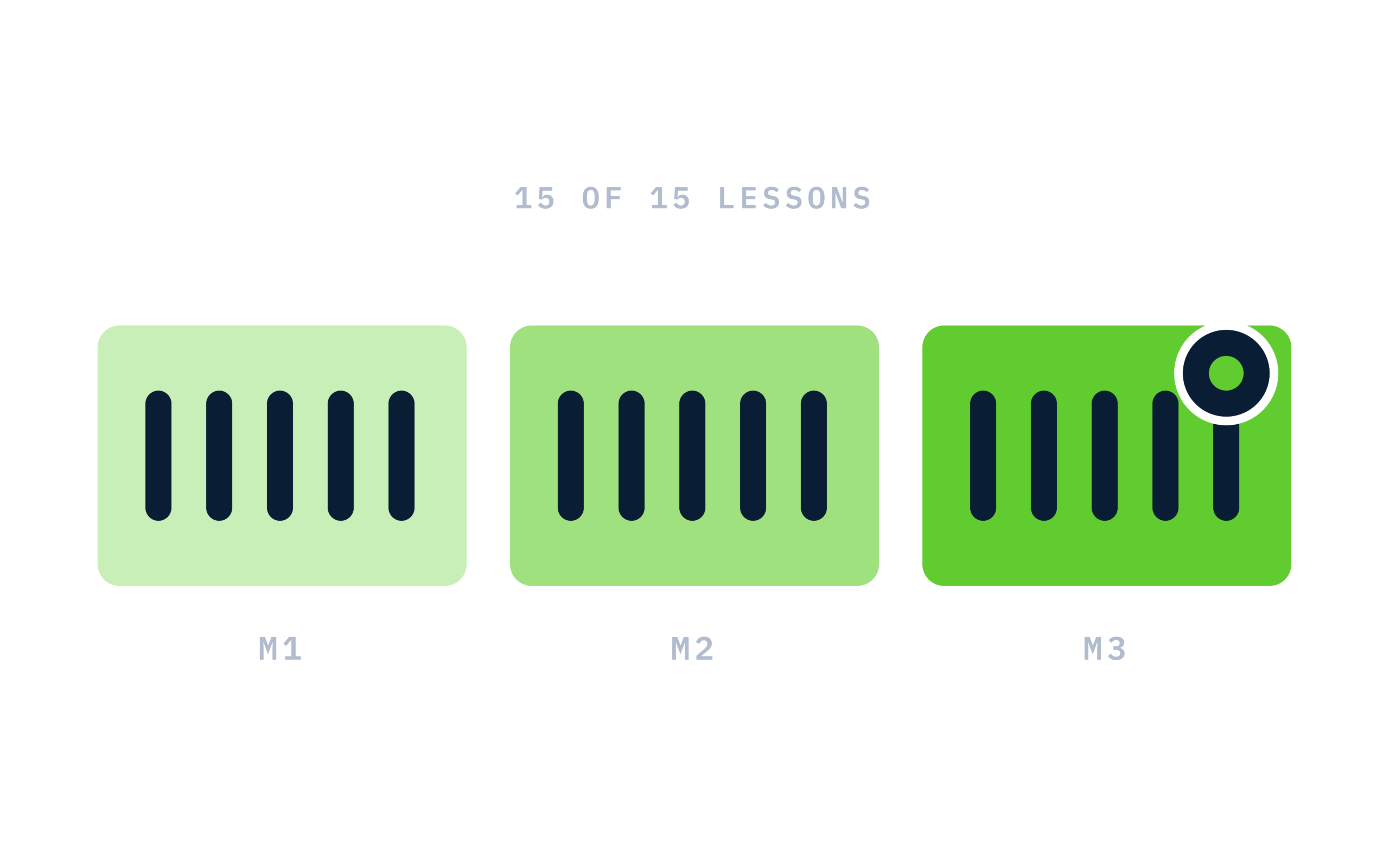
Certificate of completion
Complete every lesson and pass the final exam to earn a RiseCert certificate of completion you can download and share.

Your Name
AI for Customer Service Professionals
RISECERT
CERTIFICATE
For demonstrated knowledge and successful completion of all course requirements for:
MM.DD.YYYY
Certificate Date

Ready to get started?
Enroll in AI for Customer Service Professionals and earn your RiseCert certificate of completion.
Got Questions? We've Got Answers!
Answers to the most common questions about this course.