
-
 1.1 What Is Artificial Intelligence?
Artificial Intelligence (AI) refers to computer systems designed to perform tasks that normally require human intelligence. These tasks include understanding language, recognizing patterns, solving problems, and making decisions.
-
1.2 What Is Generative AI?
Generative AI is a type of artificial intelligence that can create new content such as text, images, code, and more. Unlike traditional AI systems that focus on analyzing or classifying data, generative AI produces original outputs based on patterns it has learned. This is the technology behind modern AI assistants like ChatGPT, Copilot, and Gemini.
-
1.3 Common AI Tools
This topic introduces the most widely used AI tools and explains how they are applied across real business scenarios.
-
1.4 How AI Models Work
This lesson explains how AI works at a high level helps you use it more effectively and avoid common mistakes.
-
1.5 Capabilities & Limitations of AI
AI is a powerful tool that can significantly improve productivity, but it is not perfect. To use AI effectively, you must understand both what it does well and where it can fail. This topic will help you recognize when to rely on AI and when to apply caution.
-
2.1 AI as a Productivity Tool
AI is most effective when used as a productivity tool that helps people work faster, smarter, and more efficiently. Rather than replacing employees, AI supports everyday tasks by reducing manual effort and helping users complete work more quickly. This topic explores how AI enhances productivity across common workplace activities and why human oversight remains essential.
-
2.2 Common Business Use Cases for AI
AI tools can support a wide variety of workplace tasks across nearly every industry and department. From writing emails to analyzing information, AI helps professionals complete work more efficiently and consistently.
This topic explores the most common business use cases for AI and how organizations are applying these tools in real-world workflows.
-
2.3 Department-Level Applications of AI
AI is being used across nearly every department in modern organizations. Different teams use AI in different ways depending on their goals, workflows, and responsibilities. This topic explores how departments such as marketing, HR, sales, finance, operations, and customer support are applying AI to improve efficiency and productivity.
-
2.4 When NOT to Use AI
AI can be extremely useful in the workplace, but it is not appropriate for every situation. Understanding when not to rely on AI is just as important as knowing when to use it.
This topic explains the situations where AI should be avoided or used with extra caution to reduce risk and ensure responsible decision-making.
-
2.5 Risks of Over-Reliance on AI
AI can dramatically improve productivity, but relying on it too heavily can create problems. When users depend on AI without reviewing outputs or applying critical thinking, mistakes and risks can quickly develop.
This topic explores the dangers of over-reliance on AI and how to use these tools responsibly and effectively.
-
3.1 Why AI Can Be Wrong
AI tools can generate impressive and useful responses, but they are not always accurate. One of the most important skills when using AI is understanding that AI can make mistakes—even when responses sound confident and professional.
This topic explains why AI systems can produce incorrect, incomplete, or misleading information and why human review is essential.
-
3.2 Identifying Hallucinations
One of the most important risks when using AI is the possibility of receiving false or misleading information that appears accurate. These incorrect outputs are commonly known as hallucinations.
This topic explains what AI hallucinations are, why they happen, and how to recognize them before relying on AI-generated content.
-
3.3 Fact-Checking Outputs
AI can generate useful and professional-looking content quickly, but not all outputs are accurate. Because AI systems can produce incorrect, outdated, or misleading information, fact-checking is an essential part of responsible AI use.
This topic explains how to verify AI-generated content and build reliable review habits before using AI outputs in professional environments.
-
3.4 Recognizing Bias
AI systems are trained on large amounts of data collected from human-created sources such as websites, articles, books, and online content. Because human-created data can contain bias, AI systems can sometimes generate biased or unbalanced responses.
This topic explains what AI bias is, how it happens, and why users should critically evaluate AI-generated outputs.
-
3.5 Red Flags in AI Responses
AI-generated responses can sometimes appear highly professional and convincing—even when the information is inaccurate or unreliable. Learning to recognize warning signs in AI outputs is an essential skill for responsible AI use.
This topic explains the most common red flags that may indicate an AI response should be reviewed more carefully before being trusted or used professionally.
-
3.6 Treating AI as Draft, Not Truth
AI can generate content quickly and efficiently, but AI-generated outputs should not automatically be treated as final truth. One of the most important professional AI habits is viewing AI responses as drafts or starting points that require human review and judgment.
This topic explains why AI should be treated as an assistant—not an authority—and why human oversight remains essential.
-
 Final ExamAI Essentials Final Exam
Certificate of completion
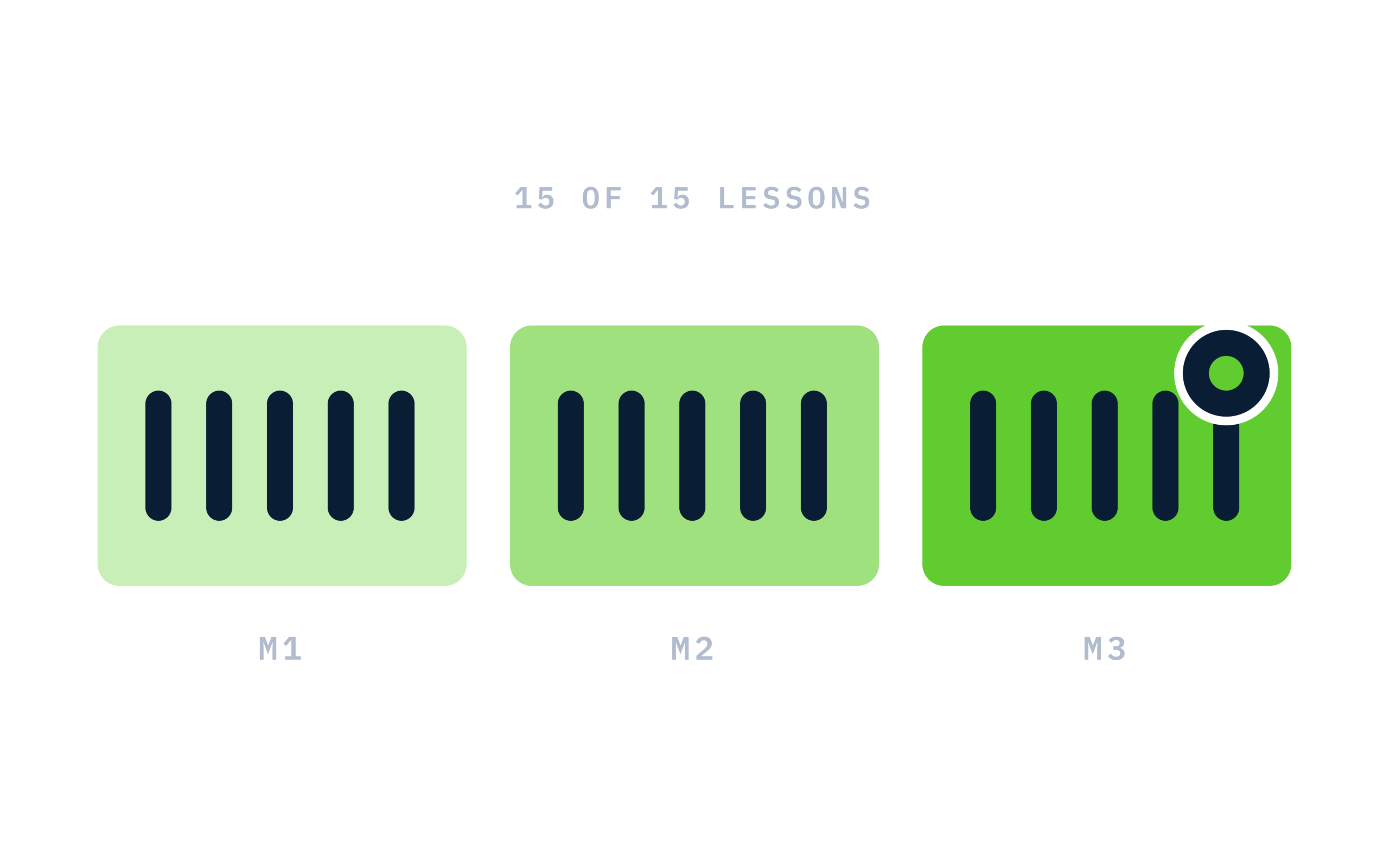
Complete every lesson and pass the final exam to earn a RiseCert certificate of completion you can download and share.

Your Name
AI Essentials: What Every Employee Needs to Know
RISECERT
CERTIFICATE
For demonstrated knowledge and successful completion of all course requirements for:
MM.DD.YYYY
Certificate Date

Ready to get started?
Enroll in AI Essentials: What Every Employee Needs to Know and earn your RiseCert certificate of completion.
Got Questions? We've Got Answers!
Answers to the most common questions about this course.