
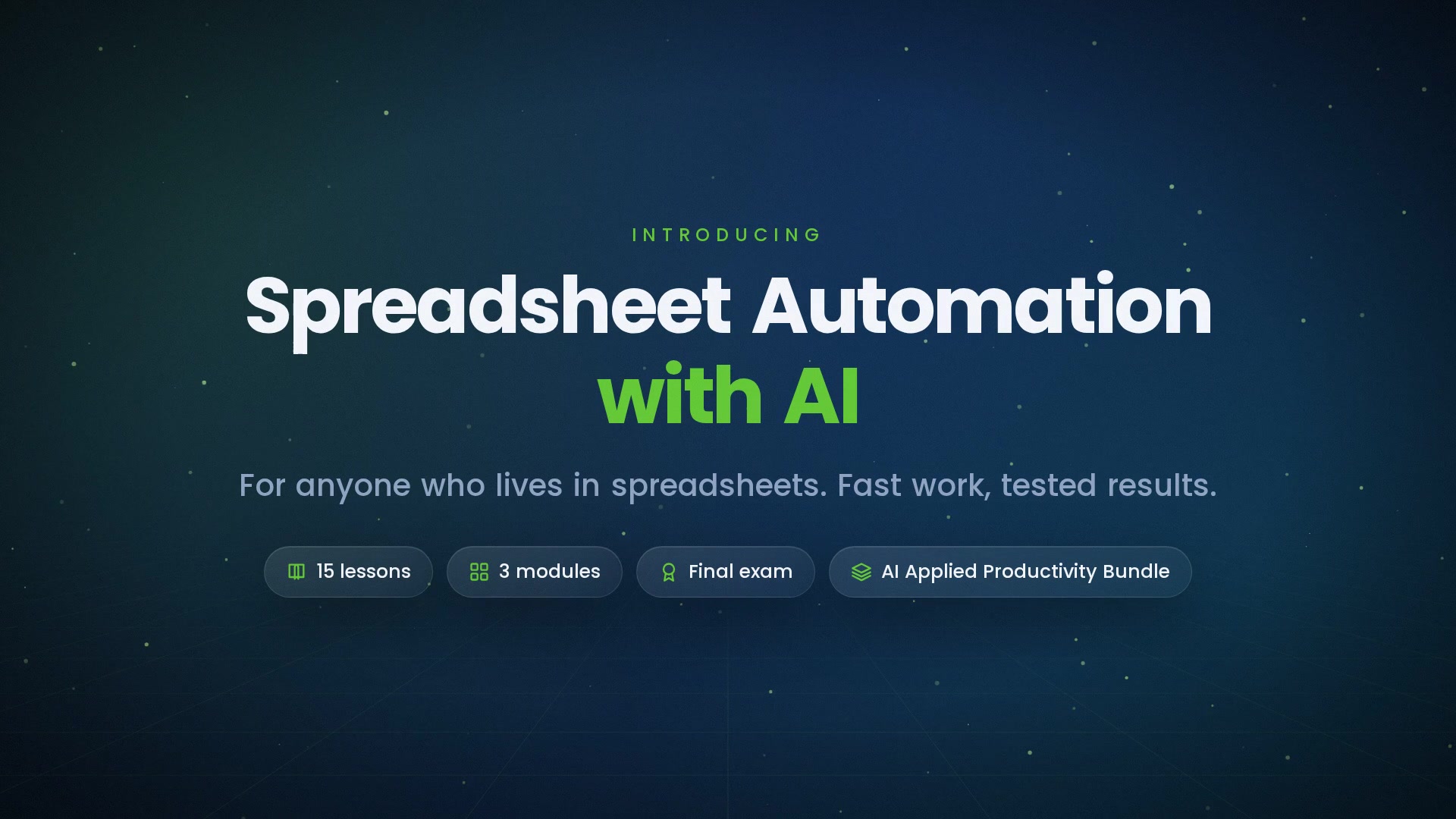
-
 1.1 Describing What You Want
Plain-language requests that produce correct formulas — naming columns, ranges, and edge cases.
In this lesson:
- Describe a spreadsheet task so the assistant produces the right formula
- Name columns, ranges, and edge cases explicitly
- Read a returned formula before pasting it
-
1.2 Everyday Formulas
Sums, counts, averages with conditions — reading the formula the assistant gives you before pasting it.
In this lesson:
- Get conditional sums, counts, and averages from a description
- Read a returned formula for range, condition, and aggregation
- Test a formula on a known subset before applying it
-
1.3 Lookups and Matching
Combining tables, finding matches, and handling the not-found case.
In this lesson:
- Describe a lookup so the assistant builds the right one
- Handle no-match and multiple-match cases explicitly
- Verify a lookup with a spot-check of known rows
-
1.4 Dates, Text, and Cleanup Formulas
Splitting names, fixing formats, trimming spaces, and extracting parts of text.
In this lesson:
- Get text and date cleanup formulas from a description with examples
- Handle the variations that break cleanup formulas
- Verify cleanup on the messiest rows, not the cleanest
-
1.5 Debugging with the Assistant
Pasting an error or a wrong result and asking why — the three questions that find most bugs.
In this lesson:
- Give the assistant enough context to diagnose a formula problem
- Use the three debugging questions
- Fix the cause, not the symptom
-
2.1 Messy to Tidy
One row per record, one value per cell — letting the assistant plan the restructure and you execute it.
In this lesson:
- Recognize the tidy structure and why formulas depend on it
- Have the assistant plan a restructure step by step
- Execute the restructure on a copy and verify counts
-
2.2 Duplicates, Blanks, and Inconsistencies
Finding and resolving them with AI-generated steps — without deleting what matters.
In this lesson:
- Detect duplicates, blanks, and inconsistent values with helper formulas
- Decide how to resolve each type before removing anything
- Keep a log of what was changed
-
2.3 Summaries and Pivot Logic
Asking for the summary table you need, building it, and checking totals against the raw data.
In this lesson:
- Describe a summary table by rows, columns, values, and filters
- Build it as a pivot or with formulas, as the assistant advises
- Reconcile summary totals to the raw data every time
-
2.4 Conditional Formatting and Validation
Rules that flag problems and prevent bad entries, described in plain language.
In this lesson:
- Describe conditional formatting rules that surface problems
- Set up data validation to prevent bad entries
- Keep rules simple enough to maintain
-
2.5 Charts from Spreadsheets
The right chart for the question, built and labeled with the assistant's help.
In this lesson:
- Choose the chart type from the question being asked
- Prepare the summary range a chart needs
- Specify labels, axes, and formatting for an honest chart
-
3.1 Repeatable Tasks
The weekly report, the monthly import — describing the routine and getting steps or a script.
In this lesson:
- Document a repeating spreadsheet routine as steps
- Decide which steps become formulas, which become a script, and which stay manual
- Build the routine so it runs the same every time
-
3.2 Scripts and Macros: Read Before You Run
What AI-generated automation can do to a workbook — and the read-through habit before running anything.
In this lesson:
- Understand what a script can do to a workbook, including the irreversible
- Read an AI-generated script for scope, destructive actions, and external calls
- Run scripts safely: on a copy, with a dry run, within policy
-
3.3 Verification Habits
Control totals, spot checks, and a second version before overwriting the original.
In this lesson:
- Build control totals into every workbook
- Run spot-checks proportionate to the stakes
- Never overwrite an original without a verified second version
-
3.4 Sharing and Sensitive Data
What leaves the workbook when you paste into an assistant — aggregation and anonymization first.
In this lesson:
- Recognize what a pasted range actually contains
- Reduce data to samples, structure, or aggregates before asking for help
- Follow the approved-tools rule for any spreadsheet content
-
3.5 The Spreadsheet Habit
Describe, get, read, test, verify — the checklist and your first automation; the finale.
In this lesson:
- Recall the five-step spreadsheet habit
- Apply the course checklist to real spreadsheet work
- Complete Spreadsheet Automation with AI

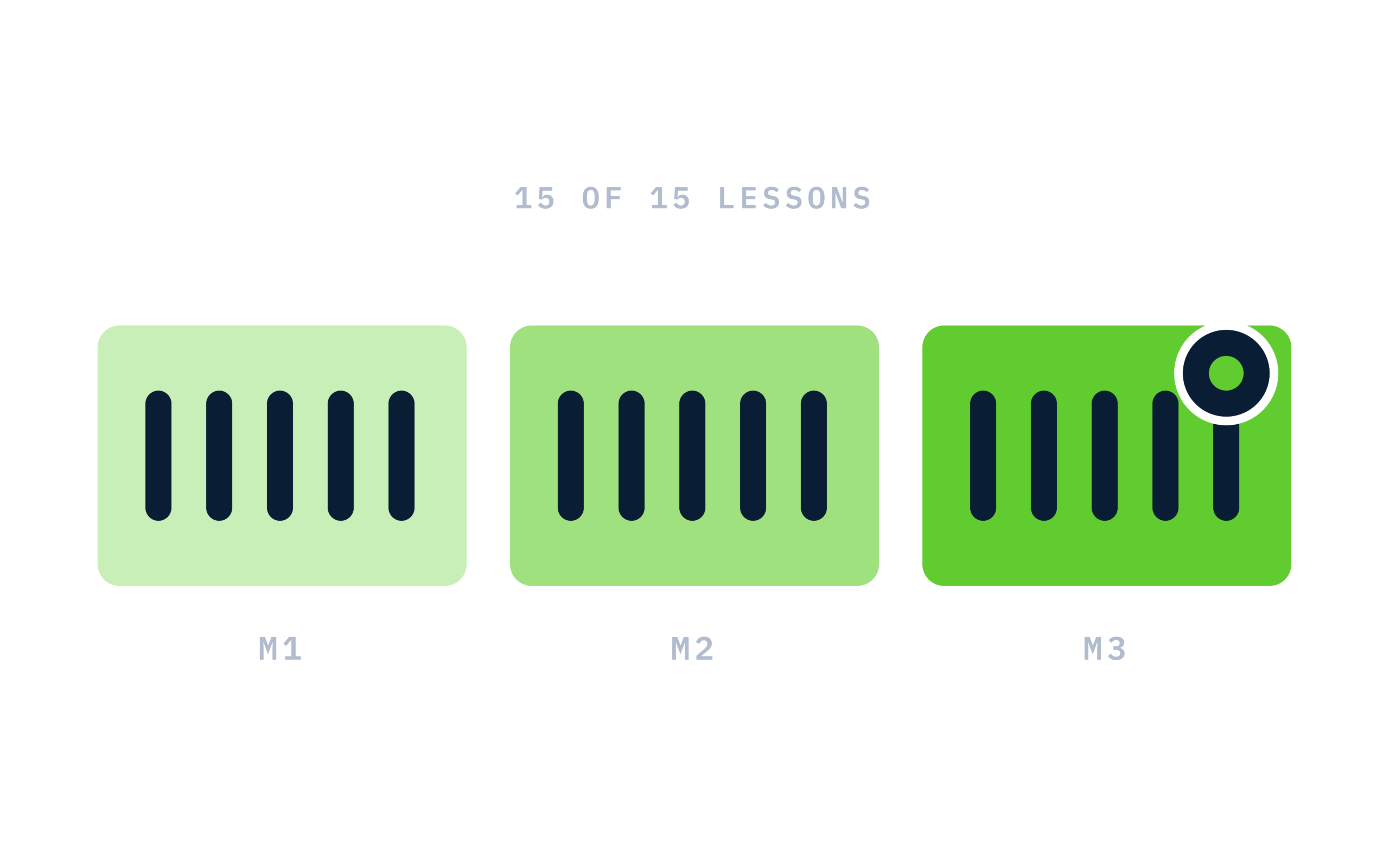
Certificate of completion
Complete every lesson and pass the final exam to earn a RiseCert certificate of completion you can download and share.

Your Name
Spreadsheet Automation with AI
RISECERT
CERTIFICATE
For demonstrated knowledge and successful completion of all course requirements for:
MM.DD.YYYY
Certificate Date

Ready to get started?
Enroll in Spreadsheet Automation with AI and earn your RiseCert certificate of completion.
Got Questions? We've Got Answers!
Answers to the most common questions about this course.