
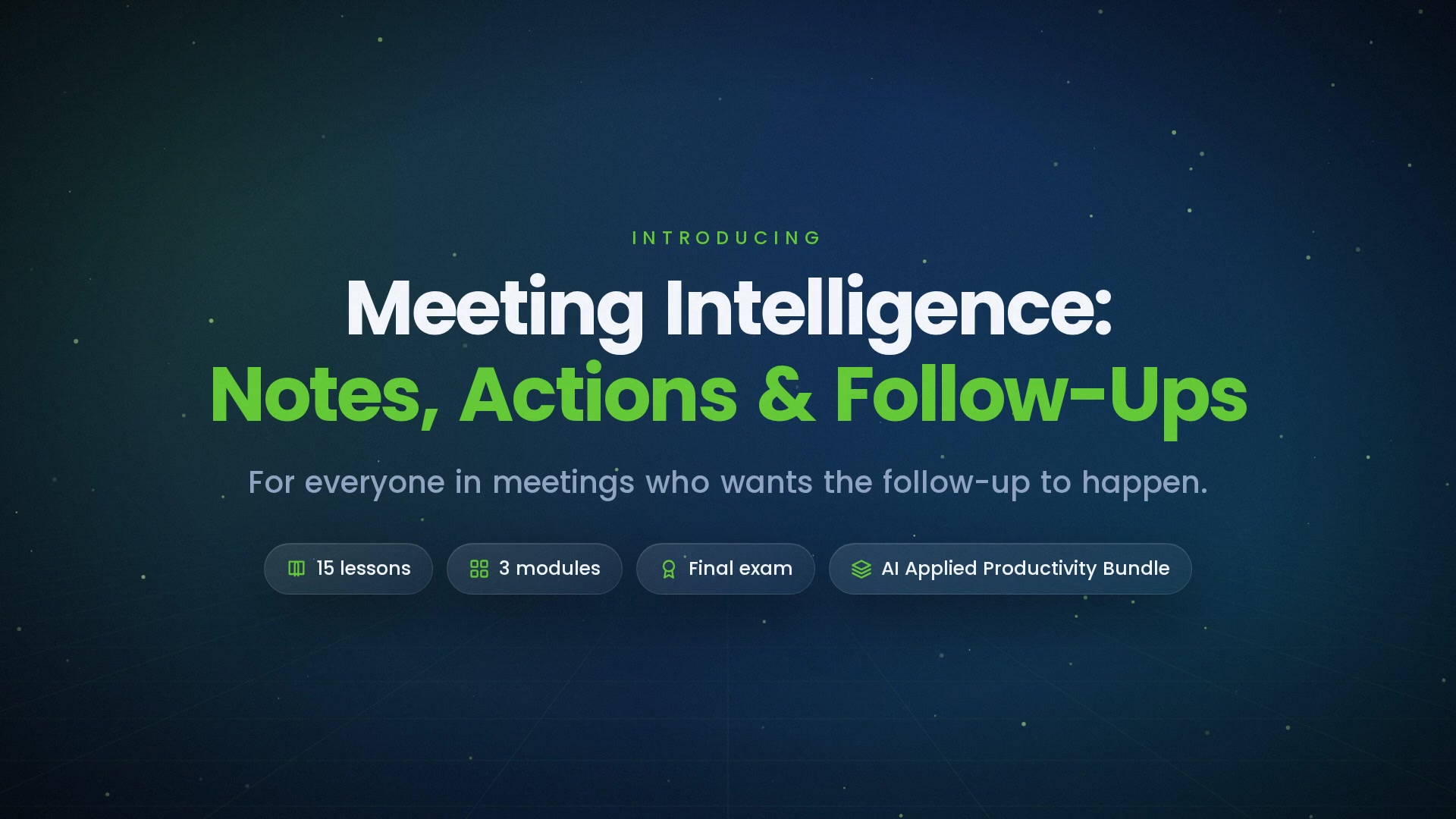
-
 1.1 What Meeting AI Does
Transcription, summarization, action extraction — what's reliable, and what still needs a human ear.
In this lesson:
- Name the three things meeting AI does and how each works
- Predict where each is reliable and where it fails
- Set expectations for a team before turning it on
-
1.2 Consent and Etiquette
Telling people, getting agreement, jurisdictions and company policy — and the one-line disclosure that handles most meetings.
In this lesson:
- Explain why consent to recording is required, not optional
- Use a standard disclosure at the start of recorded meetings
- Handle objections and mixed-consent situations
-
1.3 Setting Up for Good Transcripts
Audio, names, agendas in advance, and the acronyms list that fixes half the errors.
In this lesson:
- Improve transcript accuracy with setup rather than correction
- Build and maintain a vocabulary list for the assistant
- Run a meeting in a way that produces a clean record
-
1.4 The Summary Shape
Decisions, actions with owners and dates, open questions, and the context in three lines — the shape that makes a meeting summary useful.
In this lesson:
- Request meeting summaries in the four-part shape
- Distinguish decisions from discussions in a summary
- Keep summaries short enough to be read
-
1.5 Reading AI Notes Critically
Misattributed statements, decisions that were only discussed, and the numbers that get garbled — the five-minute check before a summary goes out.
In this lesson:
- Run the five-minute check on an AI meeting summary
- Spot the three most common summary errors
- Use the transcript to verify, not the summary to trust
-
2.1 Action Items That Stick
Owner, deliverable, date — extracting them, confirming them, and sending them within the hour.
In this lesson:
- Define a complete action item and reject incomplete ones
- Confirm extracted actions with their owners fast
- Send actions within the hour so they're still fresh
-
2.2 The Follow-Up Message
The after-meeting note that people read — drafted from the summary, checked against the transcript, and sent to the right people.
In this lesson:
- Draft a follow-up message from the checked summary
- Tailor the follow-up for attendees, absentees, and stakeholders
- Keep the follow-up short enough to be read on a phone
-
2.3 Tracking Across Meetings
Carrying open items forward, spotting what keeps slipping, and the weekly roll-up.
In this lesson:
- Maintain a running action log across a series of meetings
- Use the assistant to spot slipping and stale items
- Produce a weekly roll-up from the log
-
2.4 Searching Past Meetings
Asking "what did we decide about X?" — and verifying the answer before repeating it.
In this lesson:
- Search transcripts and summaries for past decisions
- Verify a search result against the transcript moment
- Handle conflicting answers across meetings
-
2.5 Catching Up on Meetings You Missed
The summary-plus-questions method — and what you still owe the people who were there.
In this lesson:
- Catch up on a missed meeting in ten minutes with the summary and targeted transcript questions
- Identify what a summary can't tell an absentee
- Close the loop with attendees instead of relying on the record alone
-
3.1 Sensitive Meetings
HR, legal, performance, and personal conversations — when to turn it off, and what to do with the record if it exists.
In this lesson:
- Identify meeting types where recording is inappropriate or prohibited
- Turn the assistant off gracefully mid-meeting when needed
- Handle a sensitive recording that shouldn't have been made
-
3.2 Accuracy and Attribution
Quoting people from a transcript, fixing errors before they spread, and the correction habit.
In this lesson:
- Quote from transcripts accurately and fairly
- Correct summary errors after distribution
- Build a team norm around correcting the record
-
3.3 Storage, Access, and Retention
Where recordings live, who can see them, and how long they stay.
In this lesson:
- Know where meeting recordings, transcripts, and summaries are stored and who can access them
- Apply appropriate sharing to each artifact
- Follow a retention practice that deletes what shouldn't persist
-
3.4 Running Better Meetings with the Data
Agendas from past actions, shorter meetings, fewer attendees — using the record to improve the meeting itself.
In this lesson:
- Build the next agenda from the action log and open questions
- Use meeting data to shorten meetings and trim attendee lists
- Avoid using meeting analytics to surveil individuals
-
3.5 The Meeting Habit
Consent, capture, summarize, verify, follow up — the checklist and your next meeting; the finale.
In this lesson:
- Recall the five-step meeting habit
- Apply the course checklist to a real meeting
- Complete Meeting Intelligence: Notes, Actions & Follow-Ups

Certificate of completion
Complete every lesson and pass the final exam to earn a RiseCert certificate of completion you can download and share.

Your Name
Meeting Intelligence: Notes, Actions & Follow-Ups
RISECERT
CERTIFICATE
For demonstrated knowledge and successful completion of all course requirements for:
MM.DD.YYYY
Certificate Date

Ready to get started?
Enroll in Meeting Intelligence: Notes, Actions & Follow-Ups and earn your RiseCert certificate of completion.
Got Questions? We've Got Answers!
Answers to the most common questions about this course.