
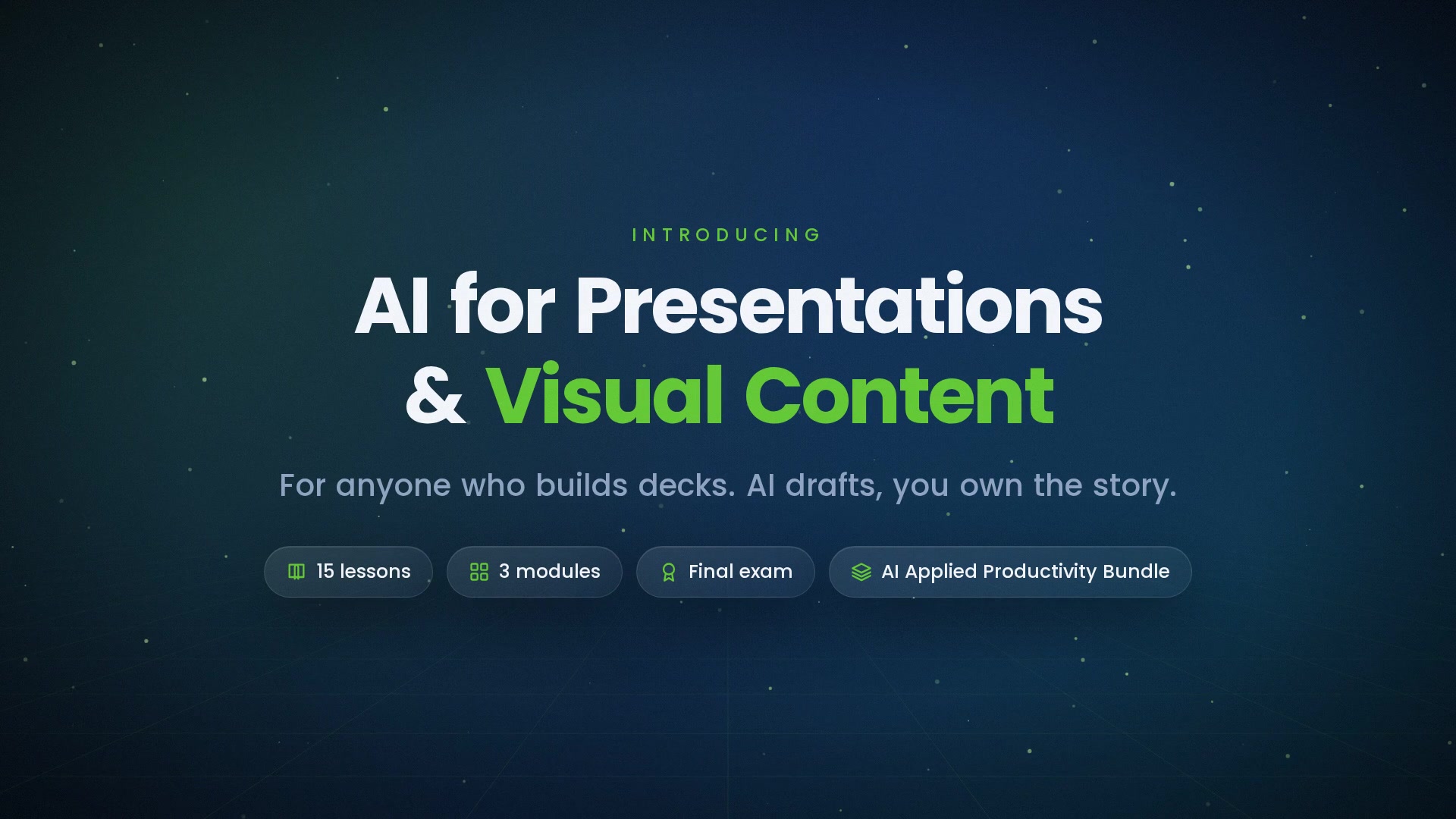
-
 1.1 Decks Start as Arguments
The one-sentence message, the three supporting points, and the audience — the brief that precedes any slide.
In this lesson:
- Write the one-sentence message a deck exists to deliver
- Choose the three supporting points before any slide is made
- Brief the assistant with message, points, and audience
-
1.2 From Document to Outline
Turning a report, memo, or notes into a slide-by-slide outline — and shaping it before any slide exists.
In this lesson:
- Convert a source document into a slide outline with the assistant
- Apply the one-idea-per-slide rule at the outline stage
- Cut, reorder, and lock the outline before building slides
-
1.3 Slide Copy That Fits
Headlines that state the point, bullets that support it, and the word budget per slide.
In this lesson:
- Write slide copy to a word budget
- Draft bullets that support the headline instead of restating it
- Move detail to speaker notes and backup slides
-
1.4 Speaker Notes and Talk Tracks
Drafting what you'll say, in your voice, timed to the slot.
In this lesson:
- Draft speaker notes that sound like you and fit the time
- Time a talk track to the slot with a words-per-minute budget
- Use notes as a safety net, not a script to read
-
1.5 Structure for Different Audiences
The executive version, the team version, the customer version — from one outline.
In this lesson:
- Derive audience-specific versions from one locked outline
- Adjust order, depth, and framing per audience without changing the facts
- Keep versions consistent with each other
-
2.1 Generating Images: What Works
Concept illustrations, backgrounds, and icons — prompting for style and consistency.
In this lesson:
- Identify the image types AI generates well for decks
- Write an image prompt with subject, style, composition, and constraints
- Keep a consistent visual style across a deck
-
2.2 Generating Images: What to Avoid
Real people, logos, trademarks, misleading realism — and the rights questions to ask.
In this lesson:
- Identify the image uses that create legal, ethical, or credibility risk
- Ask the rights questions before using a generated image externally
- Choose alternatives that keep the deck honest
-
2.3 Diagrams and Process Visuals
Describing a flow or structure and getting a clean diagram — then editing it to match reality.
In this lesson:
- Describe a process or structure so the assistant produces an accurate diagram
- Choose the diagram type that fits the relationship being shown
- Verify a diagram against the real process before it goes in the deck
-
2.4 Charts and Data Slides
From a table to an honest chart — the label, the source line, and the distortion check.
In this lesson:
- Turn a data table into the right chart for the slide's claim
- Label a chart so it makes the point without the presenter
- Refuse the distortions AI charting tools introduce by default
-
2.5 Brand and Consistency
Templates, palettes, and fonts — making AI-generated assets look like they belong.
In this lesson:
- Apply the company template and palette to AI-generated content
- Build a brand block for image and chart prompts
- Run a consistency pass across a whole deck
-
3.1 The Accuracy Pass
Every number, name, and claim on every slide, verified — and the slide that gets a company into trouble.
In this lesson:
- Run a slide-by-slide accuracy pass before any deck is shown
- Trace every number, name, and claim to its source
- Identify the high-risk slides that need a second reader
-
3.2 Rehearsing with AI
Anticipated questions, tough-audience simulations, and timing feedback.
In this lesson:
- Generate and prepare for the questions the audience will ask
- Run a tough-audience simulation against the deck
- Use the assistant for timing and clarity feedback on a rehearsal
-
3.3 Repurposing Content
One deck into a one-pager, a summary email, and a short post — with the assistant, in minutes.
In this lesson:
- Derive a one-pager, an email, and a post from a finished deck
- Keep every derived version consistent with the deck's facts
- Match each format's length and shape
-
3.4 Accessibility and Clarity
Contrast, alt text, reading order, and plain language — a deck everyone can use.
In this lesson:
- Apply the four accessibility basics to every deck
- Generate alt text and plain-language rewrites with the assistant
- Check a deck for accessibility before distribution
-
3.5 The Deck Workflow
Message, outline, copy, visuals, accuracy pass, rehearsal — the checklist and your next presentation; the finale.
In this lesson:
- Recall the six-step deck workflow
- Apply the course checklist to a real presentation
- Complete AI for Presentations & Visual Content

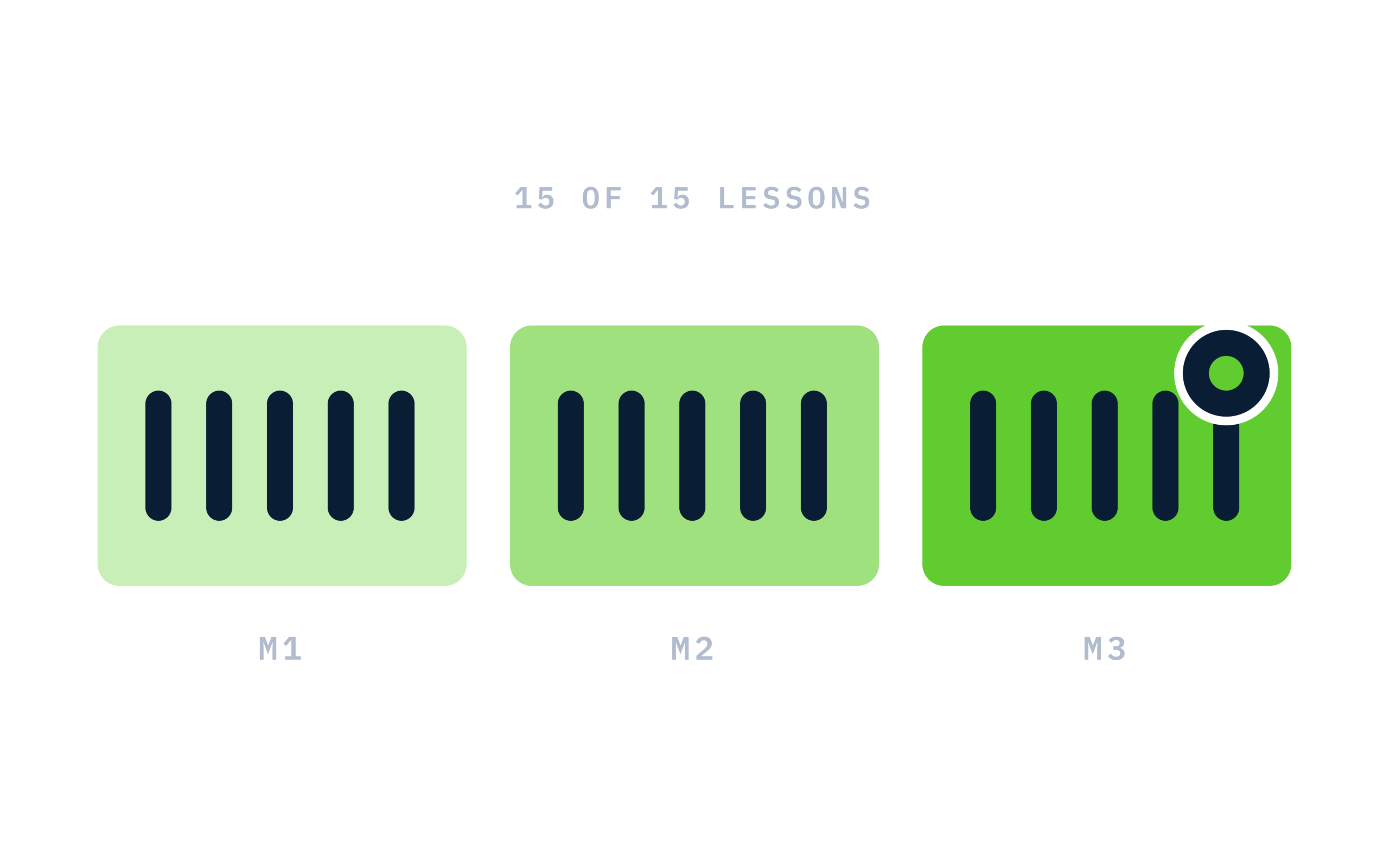
Certificate of completion
Complete every lesson and pass the final exam to earn a RiseCert certificate of completion you can download and share.

Your Name
AI for Presentations & Visual Content
RISECERT
CERTIFICATE
For demonstrated knowledge and successful completion of all course requirements for:
MM.DD.YYYY
Certificate Date

Ready to get started?
Enroll in AI for Presentations & Visual Content and earn your RiseCert certificate of completion.
Got Questions? We've Got Answers!
Answers to the most common questions about this course.