
-
 1.1 Briefing the Writer
The four-line brief — reader, purpose, key points, tone — that makes every AI draft better; a bad brief and a good one, side by side.
In this lesson:
- Write a four-line brief before asking for any draft
- Explain why the brief matters more than the prompt wording
- Compare a draft from a weak brief with one from a strong brief
-
1.2 Emails That Get Answered
The reply, the request, and the follow-up — short, specific, one ask per email, drafted with the assistant and finished by you.
In this lesson:
- Draft the three common email types with a brief
- Apply the one-ask rule and the first-line rule
- Trim an AI email draft to what the reader needs
-
1.3 Status Updates and Summaries
Turning notes and threads into an update people actually read — the three-part shape, drafted from your raw material.
In this lesson:
- Use the three-part update shape: where we are, what changed, what's needed
- Draft an update from raw notes or a long thread
- Make an update honest about problems without drama
-
1.4 Rewrites: Tone, Length, and Audience
The same paragraph for a colleague, a client, and an executive — "keep the facts, change the register."
In this lesson:
- Rewrite a passage for a different reader without losing facts
- Use precise tone and length instructions
- Check a rewrite for changed meaning
-
1.5 Your Voice, Not the Machine's
The generic-draft tells and the five edits that make any AI draft sound like you.
In this lesson:
- Spot the tells of a generic AI draft
- Apply five edits that restore a personal voice
- Teach the assistant your voice with a sample and a style note
-
2.1 Reports: Outline First, Then Sections
Building the skeleton with the assistant, then drafting one section at a time — the method that keeps long documents coherent.
In this lesson:
- Build a report outline with the assistant before drafting
- Draft section by section with the outline in view
- Keep a long document consistent across sections
-
2.2 Proposals and Recommendations
Leading with the recommendation, structuring the case, and pre-empting objections — persuasive documents with the assistant as a sparring partner.
In this lesson:
- Structure a proposal recommendation-first
- Build the supporting case with evidence and options
- Use the assistant to find and answer objections before the reader raises them
-
2.3 Policies, Procedures, and Instructions
Precise language, numbered steps, and the edge cases the draft skips — writing documents people have to follow.
In this lesson:
- Draft a procedure as numbered, testable steps
- Use precise, unambiguous language in policy text
- Find the edge cases and exceptions the first draft misses
-
2.4 Working from Source Material
Drafting from a transcript, a spec, or a pile of notes without losing facts or inventing them.
In this lesson:
- Constrain the assistant to supplied sources
- Trace every fact in a draft back to its source
- Handle gaps in the source material honestly
-
2.5 The Edit Pass
Facts, gaps, voice, and format — a fifteen-minute method that turns an AI draft into a document you can sign.
In this lesson:
- Run the four-pass edit on any AI draft
- Size the edit to the stakes of the document
- Use the assistant for the format pass without letting it re-edit the content
-
3.1 What Stays Out of the Prompt
Names, customer data, contract terms — and the anonymize-first habit that lets you use the assistant on real work safely.
In this lesson:
- Recognize the categories of information that never go into a writing prompt
- Anonymize a real document before pasting it
- Get a usable draft from anonymized material and restore the specifics after
-
3.2 Sensitive Messages
Bad news, complaints, and anything personal — where the assistant helps, and where it must not write.
In this lesson:
- Identify messages that must be written by a person
- Use the assistant for preparation without letting it draft the words
- Deliver a difficult message that is honest, specific, and humane
-
3.3 Collaborative Documents
Using the assistant to reconcile edits, summarize comments, and draft the consensus version — without losing anyone's point.
In this lesson:
- Summarize a comment thread into decisions and open questions
- Reconcile conflicting edits into a consensus draft
- Keep authorship and attribution clear in shared documents
-
3.4 Templates and Snippets
Building a personal library of briefs and formats that cut drafting time every week — and sharing the ones that work.
In this lesson:
- Turn a successful brief into a reusable template
- Organize a personal library of briefs, formats, and voice notes
- Share templates with a team without losing individual voice
-
3.5 The Writing Habit
The brief, the draft, the edit pass, the check — a one-page card and a first-week plan; the finale.
In this lesson:
- Recall the four-step writing habit
- Apply the course's rules from a one-page card
- Complete Writing with AI: Emails, Reports & Documents

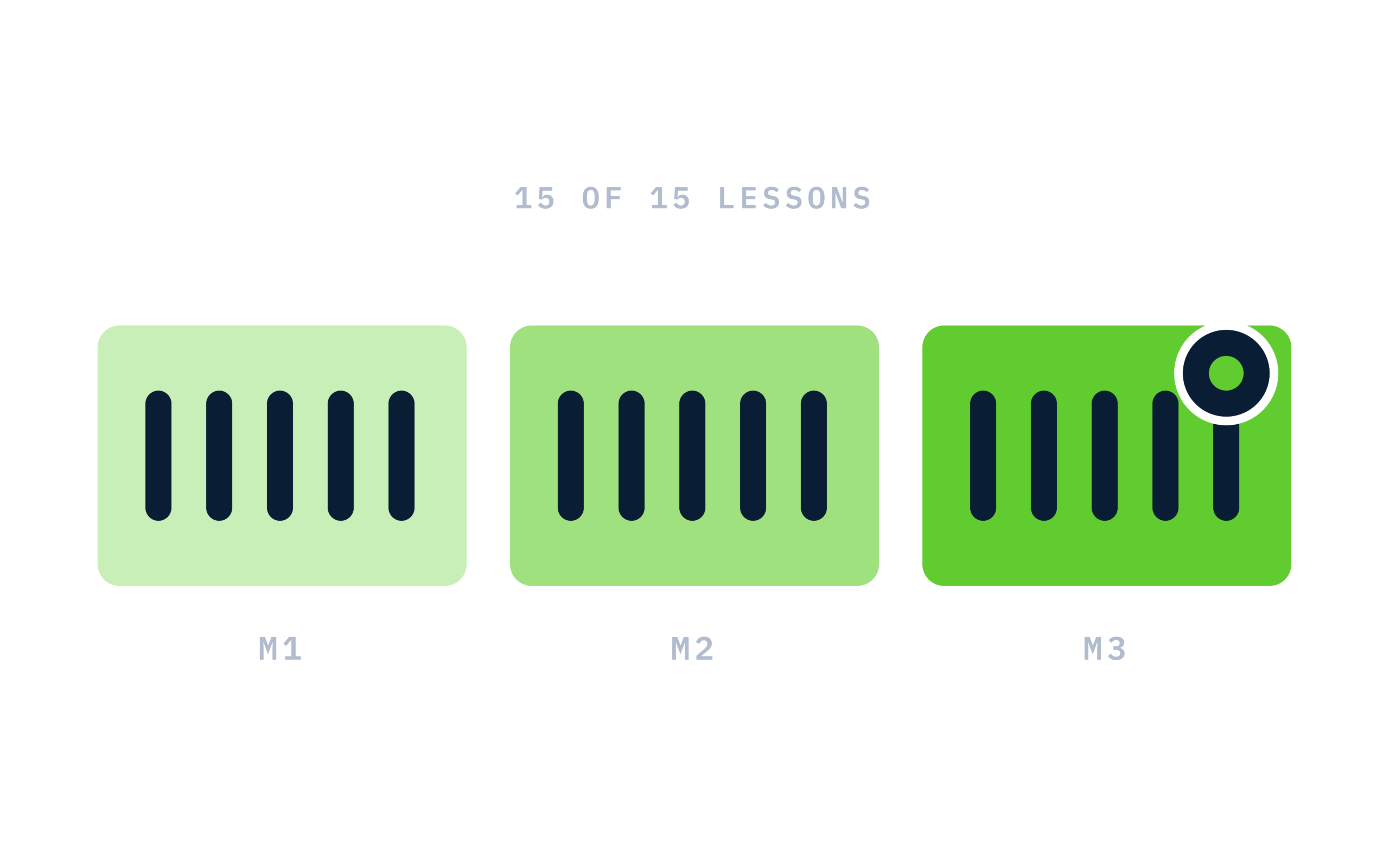
Certificate of completion
Complete every lesson and pass the final exam to earn a RiseCert certificate of completion you can download and share.

Your Name
Writing with AI: Emails, Reports & Documents
RISECERT
CERTIFICATE
For demonstrated knowledge and successful completion of all course requirements for:
MM.DD.YYYY
Certificate Date

Ready to get started?
Enroll in Writing with AI: Emails, Reports & Documents and earn your RiseCert certificate of completion.
Got Questions? We've Got Answers!
Answers to the most common questions about this course.