RiseCert

RiseScore
How AI-fluent are you, really? Free · Get your RiseScore and a shareable badge How it works
Begin Assessment

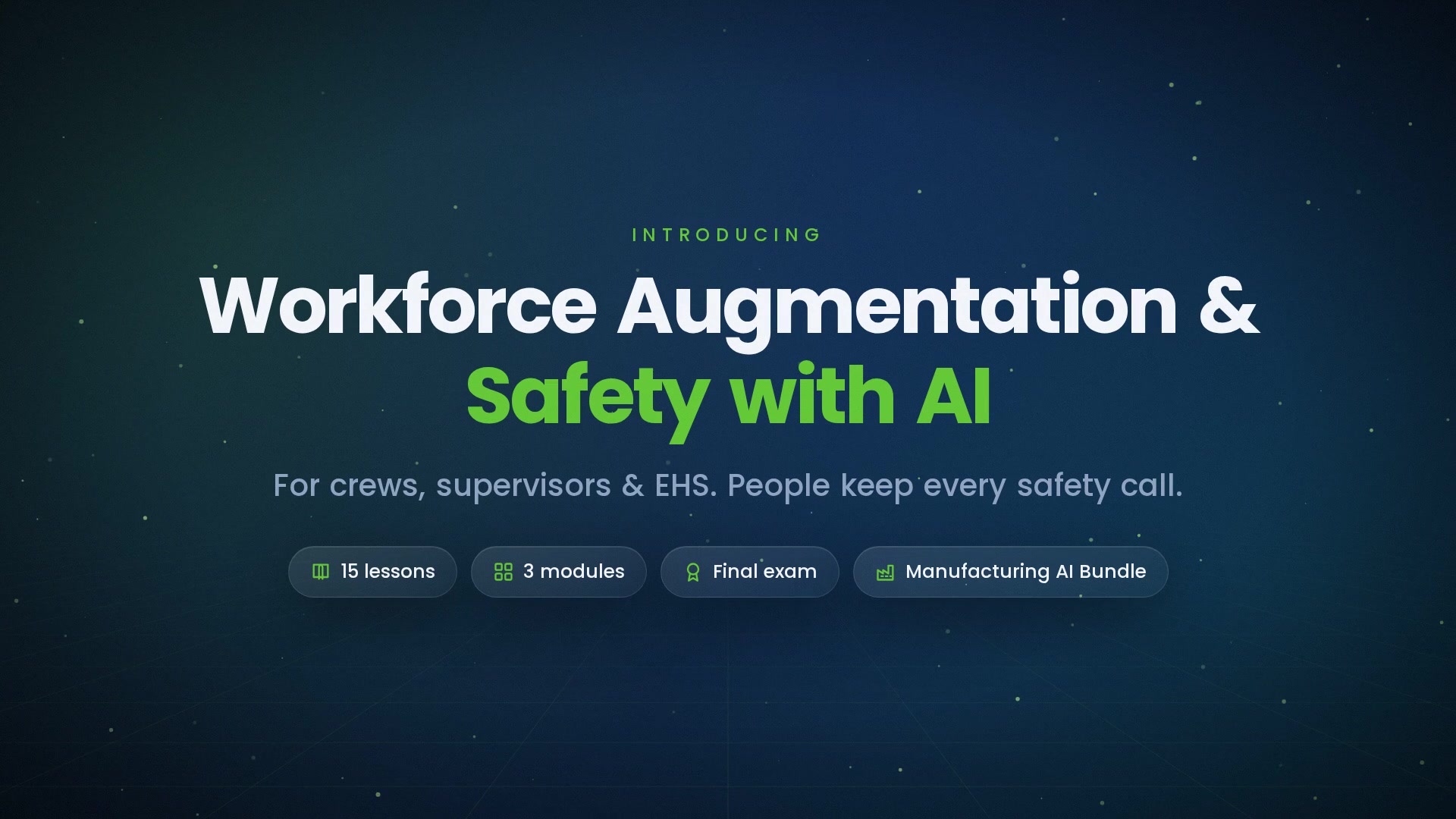
Workforce Augmentation & Safety with AI

AI can draft work instructions, answer questions on the floor, translate procedures, spot hazards, and make near-miss reporting easier, but only if the workforce trusts it. This course shows frontline workers, supervisors, and EHS staff how to use AI to help people learn the work and stay safe, while qualified people keep every safety decision. You'll learn the verification habit, privacy principles for monitoring, blame-free reporting, and honest communication about jobs. You'll finish with a one-page adoption plan and a six-line checklist for your area.
Certificate included
Video preview
Course details
Duration 1h 20m 29s
Lectures 15
Video 1.5 hours
Quizzes 1
Level Beginner

Course Description

AI tools are arriving on plant floors to help people learn the work and stay safe doing it. Whether they help depends less on the technology than on approved content, human decisions, and promises a plant keeps. This course covers all three, from the first AI-drafted work instruction to the shift meeting where a crew decides whether to trust the tool.

What you'll learn

  • Using AI for training and standard work without skipping the approval path
  • Capturing expert knowledge with consent, and verifying floor-assistant answers
  • Translated and accessible instructions, and measuring the tool rather than the worker
  • AI hazard detection as an extra layer, and acting on safety alerts by severity
  • Privacy in monitoring, human safety decisions, and blame-free near-miss reporting
  • Answering frontline skepticism, scoped promises, and peer champions on every shift

Who it's for

Frontline workers, team leads, supervisors, trainers, and EHS staff in manufacturing plants that are introducing AI tools for training, floor support, or safety monitoring.

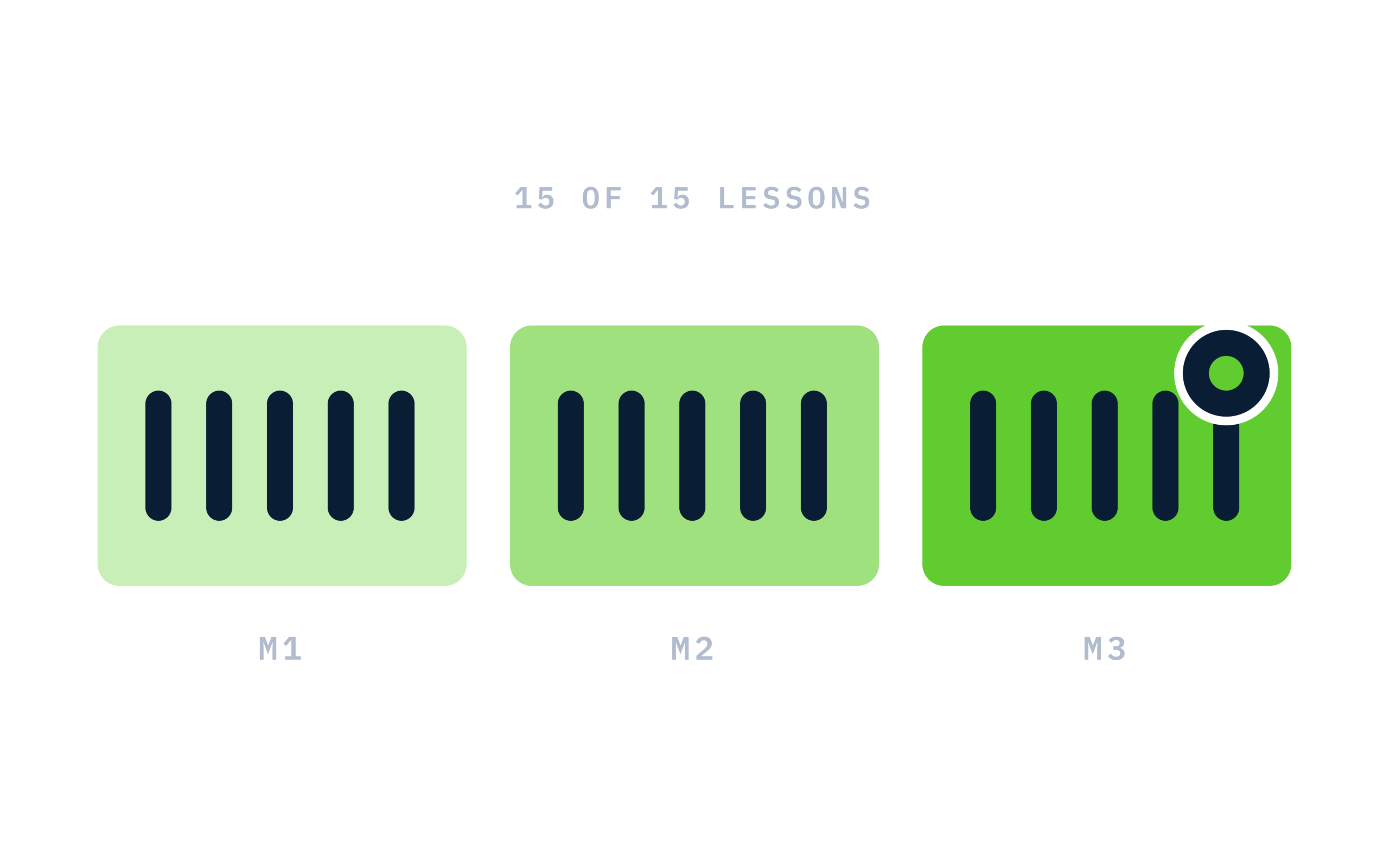
15 short video lessons in three modules: Augmentation; Safety; and Adoption.

This course is educational and is not safety, engineering, HR, or legal advice. Qualified professionals, company safety programs, and applicable regulations govern.

Module 1: Augmentation
Module 2: Safety
Module 3: Adoption

Learn at your own pace

Study the materials at your convenience, you can always return to them to repeat

RiseCert illustration: Course structure: 3 modules of 5 lessons, 15 of 15 lit

Certificate of completion

Complete every lesson and pass the final exam to earn a RiseCert certificate of completion you can download and share.

RiseCert certificate of completion background

Your Name

Workforce Augmentation & Safety with AI
RISECERT

CERTIFICATE

For demonstrated knowledge and successful completion of all course requirements for:

MM.DD.YYYY

Certificate Date

Ready to get started?

Enroll in Workforce Augmentation & Safety with AI and earn your RiseCert certificate of completion.

Certificate included

Got Questions? We've Got Answers!

Answers to the most common questions about this course.

What is the Workforce Augmentation & Safety with AI course?
Workforce Augmentation & Safety with AI is a RiseCert online course that teaches manufacturing workers, supervisors, and EHS staff how AI can help people learn the work and stay safe, and how to bring a skeptical workforce along honestly. It includes 15 video lessons (about 1 hour 20 minutes) and a final exam.
Who should take an AI workplace safety course for manufacturing?
Frontline operators and technicians, team leads, shift supervisors, trainers, process owners, and environmental, health, and safety (EHS) staff in manufacturing plants. It also suits plant leaders and HR partners planning to introduce AI training assistants, floor assistants, hazard detection, or AI-supported near-miss reporting, and anyone asked to serve as a shift champion.
Can AI write work instructions and safety procedures?
AI can draft them quickly from your approved procedures, specs, and photos, but a draft is not a standard. The course teaches a review path: draft with real inputs, walk it at the actual station, send any step involving energy, chemicals, lifting, heights, or guarding to EHS, and approve it through document control before anyone trains from it.
Can AI hazard detection replace guards or light curtains?
No. The course teaches that AI vision and sensor detection is an extra layer on top of engineered controls, never a replacement. Cameras miss what they can't see, struggle with glare, dust, or dirty lenses, miss hazards they weren't trained on, and can't see stored energy. Guarding, interlocks, lockout, and stop-work authority all stay.
How should AI safety monitoring protect worker privacy?
The course teaches six principles: monitoring limited to named safety purposes, minimum necessary data, no monitoring in private spaces, short retention, limited and logged access, and independent review before launch. Workers are involved early, given plain-language notice in every crew language, and offered a written promise, including that no one is disciplined on an AI flag alone.
Can an AI safety flag be used to discipline a worker?
Not on its own. Workforce Augmentation & Safety with AI treats a flag as a question, not a finding. A supervisor confirms the facts and context, the worker gives their account, and the plant looks for a design, training, or staffing cause first. Any discipline follows the plant's normal HR process, and local rules and company policy govern.
How do you get frontline workers to trust new AI tools?
By answering their real concerns, usually jobs, surveillance, and dignity, before asking anyone to adopt anything. The course teaches treating skepticism as information, making scoped promises with a time frame and a process, holding the job conversation honestly, briefing every shift in person, and supporting peer champions who never monitor or report on coworkers.
What will I be able to do after completing the course?
You'll be able to take an AI draft to an approved standard, run a consent-based knowledge capture session, verify floor-assistant answers against sources, check translated safety content, measure a tool without ranking people, respond to and escalate safety alerts, keep reporting blame-free, communicate honestly about jobs, and build a one-page adoption plan for your area.
Do I need technical or AI experience to take this course?
No. The course is written for people on the plant floor and the leaders and EHS staff who support them, not for technologists. Concepts are explained in plain language with composite plant examples, such as a veteran operator's capture session, a forklift-zone alert, and three plants whose rollouts worked, stalled, or were fixed. There are no formal prerequisites.
Which AI tools or vendors does the course cover?
None specifically. Workforce Augmentation & Safety with AI is vendor-neutral and endorses no product. It covers the kinds of tools plants are adopting, including AI training and floor assistants, translation and read-aloud, vision and sensor hazard detection, and AI-supported near-miss reporting, and teaches you to ask which person signs each decision.
How is this different from standard safety or change-management training?
Standard safety training covers hazards and controls, and change-management courses cover rollouts in general. This course connects them for AI specifically: where AI fits in the hierarchy of controls, why safety decisions stay human, how monitoring can protect privacy and dignity, and why trust and kept promises decide adoption more than the technology does.
Is the course content up to date?
Yes. The course dates its observations as of September 2026, including that AI hazard detection is spreading across plants, that machine translation is very good but safety content still needs fluent human review, and that rules on workplace monitoring vary widely by location. It centers on durable habits rather than any one tool.
How long does the Workforce Augmentation & Safety with AI course take?
The course has about 1 hour 20 minutes of video across 15 lessons, plus a final exam. Lessons run about five minutes each and are organized into three modules: Augmentation; Safety; and Adoption. Most learners can finish it in one or two sittings.
Is the course online and self-paced?
Yes. The course is 100% online and self-paced, and your access does not expire. You can start, pause, and resume at any time on a computer, tablet, or phone with a modern web browser. There's nothing to install, so it works around day, night, and weekend shifts.
Is there a final exam?
Yes. The course ends with a 30-question multiple-choice final exam covering all three modules. You need a score of 80% or higher (24 of 30) to pass, and you can retake the exam as many times as you need. Finish all 15 lessons and pass the exam to complete the course and earn your certificate.
Do I get a certificate of completion?
Yes. After you complete all 15 lessons and pass the final exam, you can download a RiseCert certificate of completion from your account. It is a course completion certificate, not a license, professional certification, or continuing education certificate, and it is not a safety qualification or competency sign-off.
Is the course approved for continuing education or PDH credit?
No. Workforce Augmentation & Safety with AI is not currently approved for continuing education credit, including CE, CEU, or PDH credit, by any state, licensing board, or accrediting organization, and it does not satisfy required regulatory safety training. If you need credit or mandated training, take a course approved by the body that requires it.
Is this course safety, HR, or legal advice?
No. The course is educational and is not safety, engineering, HR, or legal advice. Your safety officer and other qualified professionals, your company's safety program and plant policies, and applicable regulations govern what happens on your floor. Rules on monitoring, consent, and consultation vary by location, so HR and legal confirm what applies.
How much does the course cost, and can I enroll my team?
The course costs $99 per learner as a one-time purchase, with no subscription or recurring fees. To enroll a crew, a group of supervisors, or a whole plant, contact RiseCert through the Contact Us page at risecert.org to discuss team enrollment.
What is the refund policy?
All sales are final and no refunds are issued, as stated in the RiseCert Terms of Use. Please review the course description, lesson list, and these FAQs before purchasing, and contact RiseCert through risecert.org with any questions before you buy.