RiseCert

RiseScore
How AI-fluent are you, really? Free · Get your RiseScore and a shareable badge How it works
Begin Assessment

AI for Frontline Retail Professionals

AI now drafts the schedule, builds the task list, answers product questions, and greets customers at the kiosk, but people still run the store. This course shows associates, supervisors, and store managers how to use those tools well without following them blindly. You'll learn when to check an answer before saying it, when to step in for a customer, how to coach with data instead of surveillance, and how to handle fraud attempts and alerts safely. You'll finish with a one-page floor checklist and four commitments for anyone who runs a shift.
Certificate included
Video preview
Course details
Duration 1h 21m 44s
Lectures 15
Video 1.5 hours
Quizzes 1
Level Beginner

Course Description

The task list is a guess about the floor, and you're on the floor. This course covers the AI tools a store team meets on every shift, from scheduling and task lists to product assistants, self-checkout, and safety alerts, and the habits that keep customers' trust and your own: look before you act, check at the source, step in, report, and stay the human.

What you'll learn

  • Where AI shows up in a store, and what the tools are and aren't
  • Checking price, stock, safety, and fit before you repeat a tool's answer
  • Handling generated tasks, reporting tool errors, and the four moments to step in for a customer
  • What's measured about you, and the line between team insight and surveillance
  • For managers: fair schedules, managing the work, coaching with data, and introducing new tools
  • Register fraud, voice impersonation, wrong-answer recovery, and safety alerts

Who it's for

Store associates, supervisors, department leads, and store managers who work with AI scheduling, task, inventory, product, and checkout tools. 15 short video lessons in three modules: On the Floor; Managing With AI; and Customers and Safety. This course is educational and is not legal, HR, or safety advice. Your company's policies, store leadership, and applicable law govern.
Module 1: On the Floor
Module 2: Managing With AI
Module 3: Customers and Safety

Learn at your own pace

Study the materials at your convenience, you can always return to them to repeat

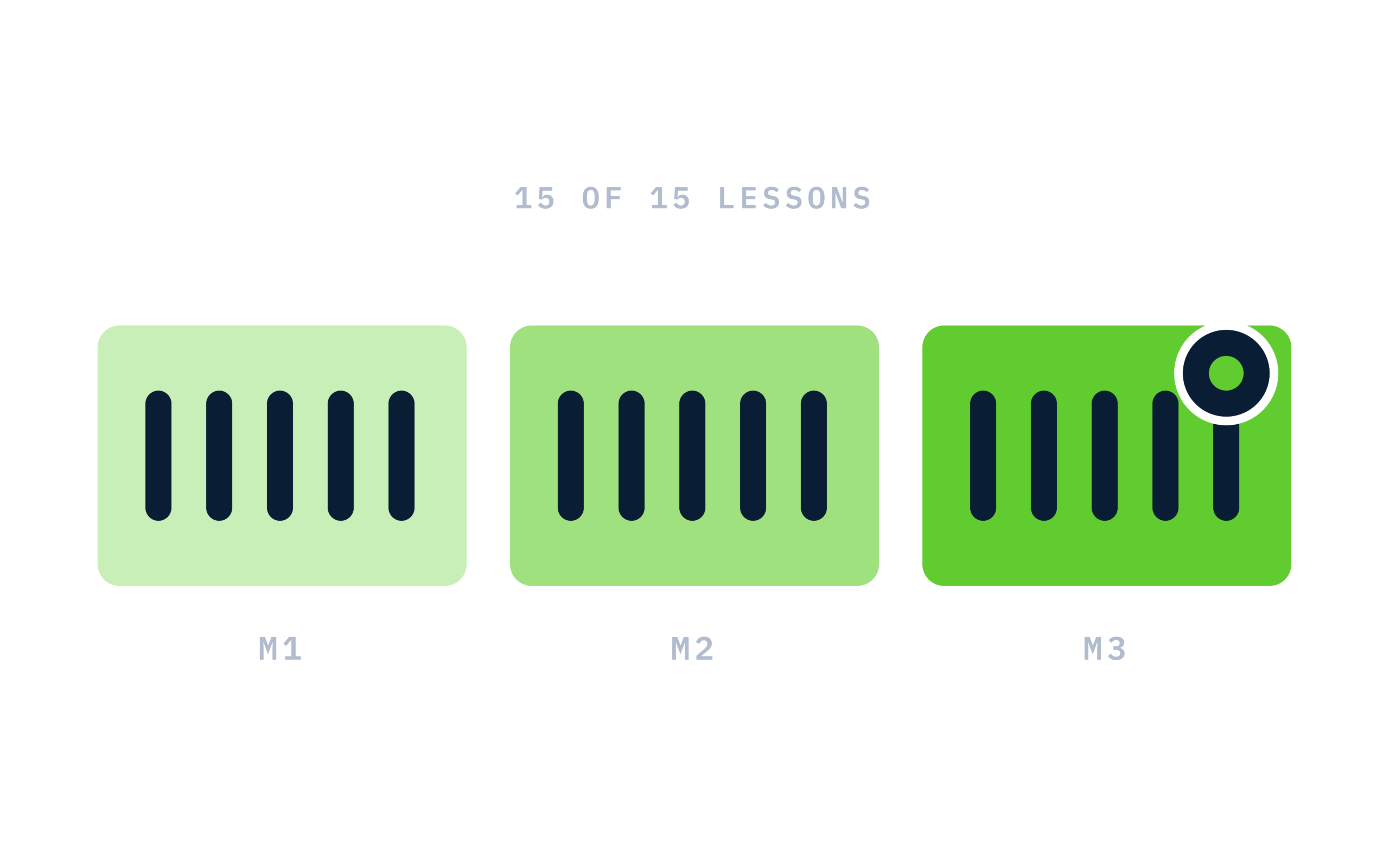
RiseCert illustration: Course structure: 3 modules of 5 lessons, 15 of 15 lit

Certificate of completion

Complete every lesson and pass the final exam to earn a RiseCert certificate of completion you can download and share.

RiseCert certificate of completion background

Your Name

AI for Frontline Retail Professionals

RISECERT

CERTIFICATE

For demonstrated knowledge and successful completion of all course requirements for:

MM.DD.YYYY

Certificate Date

Ready to get started?

Enroll in AI for Frontline Retail Professionals and earn your RiseCert certificate of completion.

Certificate included

Got Questions? We've Got Answers!

Answers to the most common questions about this course.

What is the AI for Frontline Retail Professionals course?
AI for Frontline Retail Professionals is a RiseCert online course for store associates, supervisors, and managers that covers the AI tools met on a shift: scheduling, task lists, inventory, product assistants, self-checkout, and alerts. It teaches how to use them well, protect customer trust, and stay the human customers came in for. It includes 15 video lessons and a final exam.
Who should take an AI course for retail store teams?
Store associates, cashiers, service-desk staff, department leads, supervisors, and store managers whose shifts involve handhelds, generated task lists, scheduling tools, product assistants, or self-checkout. No office or corporate role is needed; the course is built around the sales floor, the register, and the shift huddle.
Is the course for associates or for managers?
Both. Module 1 (On the Floor) and Module 3 (Customers and Safety) are for everyone on a shift. Module 2 (Managing With AI) is written for supervisors and managers, and associates benefit too, because it describes what they should expect from whoever runs their floor: fair schedules, explained numbers, and real thanks for reports.
How is AI used in retail stores today?
As of September 2026, the course describes five places AI shows up in a store: scheduling, generated task lists, inventory counts and alerts, product information assistants, and checkout and self-service tools such as kiosks and chat. Most stores have some of these, few have all, and none of them run the store; people do.
Should store associates trust answers from an AI product assistant?
Trust depends on the source. The course teaches four check-first triggers: price, stock, safety, and fit. Answers on those go to the label, the shelf, or the register before you repeat them to a customer, because once you say it, the answer is yours. Basic catalog facts and how-to answers from a manual are usually safe to repeat.
Does the course cover AI scheduling and fairness?
Yes. Lesson 2.1 traces how a traffic forecast becomes a draft schedule and gives managers fairness checks before publishing: closing-then-opening shifts, hours spread over a month, notice, availability and limits, and last-minute changes. Scheduling rules vary by place as of September 2026, so company policy and local rules govern.
Does the course address employee monitoring and privacy?
Yes. Lessons cover what store tools typically measure on a shift (transactions, tasks, schedules, devices, and cameras for safety), what they don't, and the difference between team insight and individual surveillance. Associates learn the promise they're owed: told, explained, checked, and askable. Managers learn to coach with data without surveillance.
Does it cover fraud at the register and cloned-voice calls?
Yes. Lesson 3.1 covers fake receipts and confirmations, altered IDs, polished scripts, and calls or texts impersonating a manager, as of September 2026. The checks stay the same: the system is the record, the policy is the policy, and nothing happens on the strength of a voice; hang up and call back on a known number.
Do I need any technical experience?
No. The course is written in plain language for people on the sales floor, with examples from task lists, product questions, self-checkout, and the service desk. If you can use a store handheld, you have all the background you need. The habits it teaches work with any vendor's tools.
How is this different from training on my store's handheld or software?
Software training shows which buttons to press. This course teaches the judgment that applies to any tool: when to check an answer, when to override a task, when to step in for a customer, how to report errors, and how managers should use data. It is vendor-neutral and doesn't require or endorse any product.
What will I be able to do after completing the course?
You'll be able to act on generated tasks without following them blindly, give product answers you can stand behind, step in at the right moments, recover a customer told something wrong by a store tool, handle fraud attempts and alerts safely, and report tool failures well. Managers will also be able to publish fair schedules and coach with data.
Is the course content current?
Yes. The course reflects how AI tools appear in stores as of September 2026, including scheduling rules that vary by place and AI-assisted fraud at the register. Because store tools change often, it focuses on habits that outlast any vendor: look at the floor, check at the source, step in, report, and stay the human.
How long does the course take?
The course has about 1 hour 20 minutes of video across 15 lessons, plus a final exam. Lessons run about five to six minutes each and are organized into three modules: On the Floor; Managing With AI; and Customers and Safety. It fits easily into a few short sessions.
Is the course online and self-paced?
Yes. The course is 100% online and self-paced, and your access does not expire. You can start, pause, and resume at any time on a computer, tablet, or phone with a modern web browser, including between shifts. There's nothing to install.
Is there a final exam?
Yes. The course ends with a 30-question multiple-choice final exam covering all three modules. You need a score of 80% or higher (24 of 30) to pass, and you can retake the exam as many times as you need. Finish all 15 lessons and pass the exam to complete the course.
Do I get a certificate when I finish?
Yes. After you complete all 15 lessons and pass the final exam, you can download a RiseCert certificate of completion. It is a course completion certificate, not a license, professional certification, or continuing education (CE) certificate.
Is the course approved for continuing education credit?
No. The course is not currently approved or accredited for continuing education (CE, CPE, or CEU) credit by any state, licensing body, or association. It is professional development training for retail store teams and ends with a RiseCert certificate of completion.
Is this course legal, HR, or safety advice?
No. The course is educational and is not legal, HR, or safety advice. Your company's policies, store leadership, and applicable law govern, including scheduling rules, data and camera use, who may approach or stop a customer, and your store's safety and emergency procedures.
How much does the course cost, and can I enroll my whole store?
The course costs $99 per learner as a one-time purchase, with no subscription or recurring fees. To enroll a store, district, or frontline team, contact RiseCert through the Contact Us page at risecert.org.
What is the refund policy?
All sales are final and no refunds are issued, as stated in the RiseCert Terms of Use. Please review the course description, lesson list, and these FAQs before purchasing, and contact RiseCert with any questions first.