
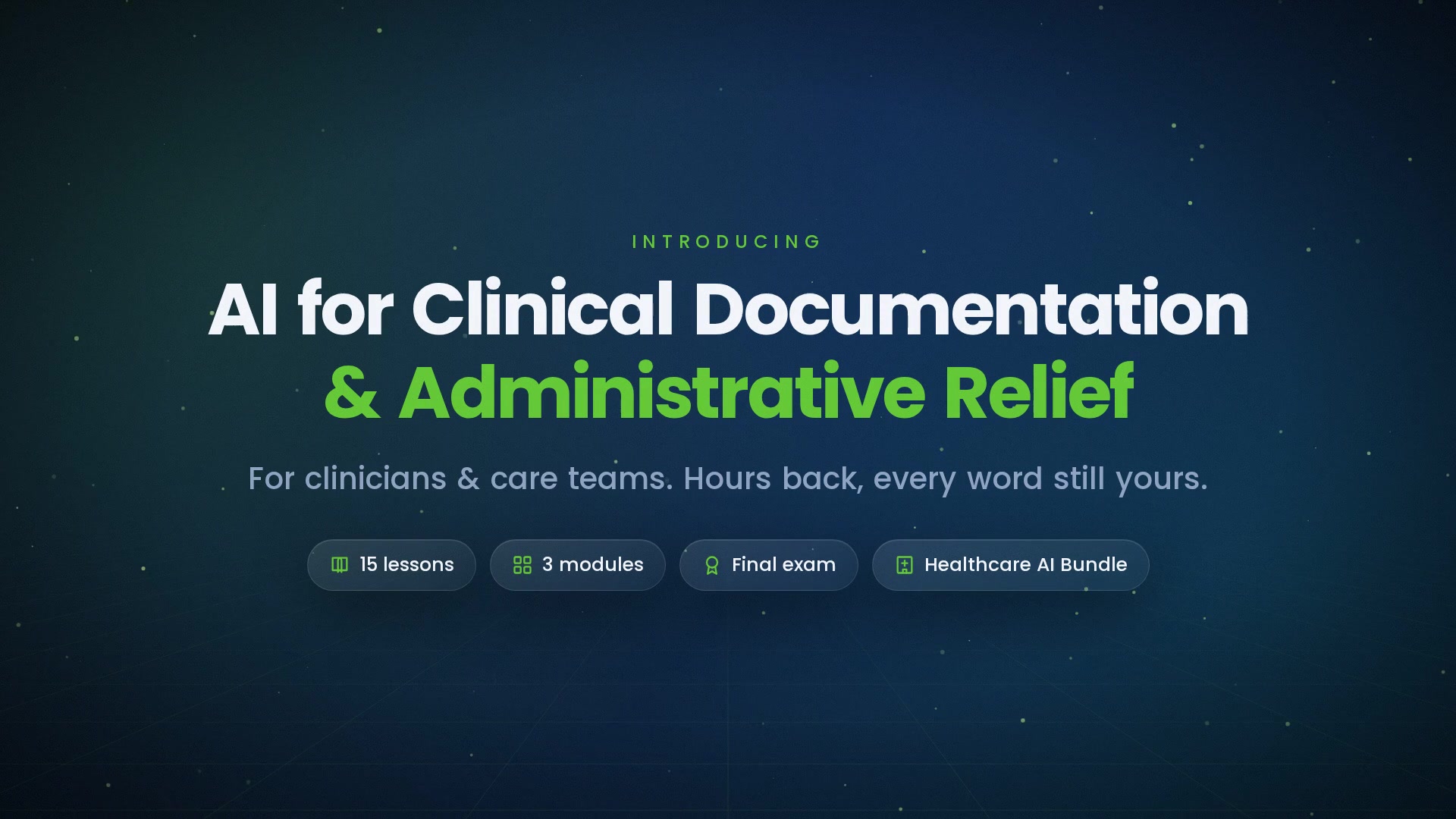
-
 1.1 The Documentation Burden
Where the clinical and administrative hours go, and which of them AI can responsibly take.
In this lesson:
- Map where documentation and administrative hours actually go
- Separate the work AI can draft from the work a clinician must do
- Adopt the accountability lens used for the rest of the course
-
1.2 Ambient Scribing
How ambient scribing works, the consent that precedes it, and the review the clinician must do.
In this lesson:
- Explain how an ambient scribe turns a conversation into a draft note
- Apply consent and recording rules before the first recorded visit
- Run the clinician's review before signing an ambient-drafted note
-
1.3 Note Summarization and Chart Prep
Pre-visit summaries and after-visit notes, and the omissions to watch for.
In this lesson:
- Use AI chart summaries to prepare for a visit without trusting them blindly
- Draft after-visit summaries that patients can actually use
- Recognize the omission patterns specific to clinical summaries
-
1.4 Coding and Billing Support
AI code suggestions as suggestions, not decisions, and the compliance risks of over-coding.
In this lesson:
- Use AI coding suggestions without letting them decide
- Recognize the over-coding risks a suggestion tool can create
- Keep the documentation and the code honest to the care delivered
-
1.5 Signing What You Did Not Write
The accountability rule for AI-drafted clinical documents, in practice.
In this lesson:
- State the accountability rule for AI-drafted documentation
- Apply it to notes, summaries, letters, and claims
- Recognize the habits that quietly erode it
-
2.1 Prior Authorization Preparation
Assembling and drafting the authorization packet, and the clinical judgment that stays with the clinician.
In this lesson:
- Use AI to assemble and draft an authorization request from the record
- Keep the clinical case and the decision to request with the clinician
- Handle denials and appeals without overstating the record
-
2.2 Scheduling and Intake
Scheduling assistants, reminders, and intake forms, with the human fallback every patient can reach.
In this lesson:
- Identify where AI helps in scheduling and intake
- Set the rules that keep automated scheduling safe for patients
- Guarantee a human fallback and know when it must trigger
-
2.3 Referrals, Letters, and Forms
Drafting referrals, letters, and forms from the record, and verifying them against it before they leave.
In this lesson:
- Draft referrals, letters, and forms from the record with AI
- Verify each draft against the chart before it leaves the practice
- Recognize the specific ways generated correspondence goes wrong
-
2.4 Inbox and Message Triage
Sorting and drafting replies to patient messages, with the escalation rules that keep urgent ones from waiting.
In this lesson:
- Use AI to sort the inbox and draft routine replies
- Apply the escalation rules that route urgent and clinical messages to people
- Keep drafted replies accurate, appropriate, and owned by a person
-
2.5 Measuring the Relief
Hours, backlog, and burnout signals, measured honestly enough to know whether the tools are helping.
In this lesson:
- Choose measures that show real relief rather than activity
- Track the counter-measures that reveal shifted or hidden work
- Read burnout and quality signals alongside the time numbers
-
3.1 Verification Habits
The five-second checks for every AI-drafted clinical document.
In this lesson:
- Run the five-second checks on any AI-drafted document
- Match the depth of verification to where the document lands
- Make verification a fixed habit rather than a judgment call
-
3.2 Patient Consent and Transparency
Recording, disclosure, and opting out — what patients are owed when AI touches their care.
In this lesson:
- Explain to a patient what AI does with their visit and their record
- Apply consent principles for recording and AI-assisted documentation
- Make opting out real and free of penalty
-
3.3 Rolling Out to a Practice
Champions, the post-launch dip, and the skeptical clinician as reviewer.
In this lesson:
- Sequence a documentation-AI rollout that survives contact with a real clinic
- Anticipate the post-launch dip and plan through it
- Use skeptical clinicians as reviewers rather than obstacles
-
3.4 Composite Cases
Three anonymized composite scenarios — the saved hour, the caught error, and the missed one.
In this lesson:
- Recognize what a well-run documentation workflow looks like in practice
- Trace how the verification habits catch a serious error
- Learn from a miss without blaming the tool or the person
-
3.5 Your Documentation Workflow
The one-page workflow, the checklist, and your next clinic day; the finale.
In this lesson:
- Write a one-page AI documentation workflow for your own role
- Run the personal checklist before signing or sending anything AI-drafted
- Complete AI for Clinical Documentation & Administrative Relief

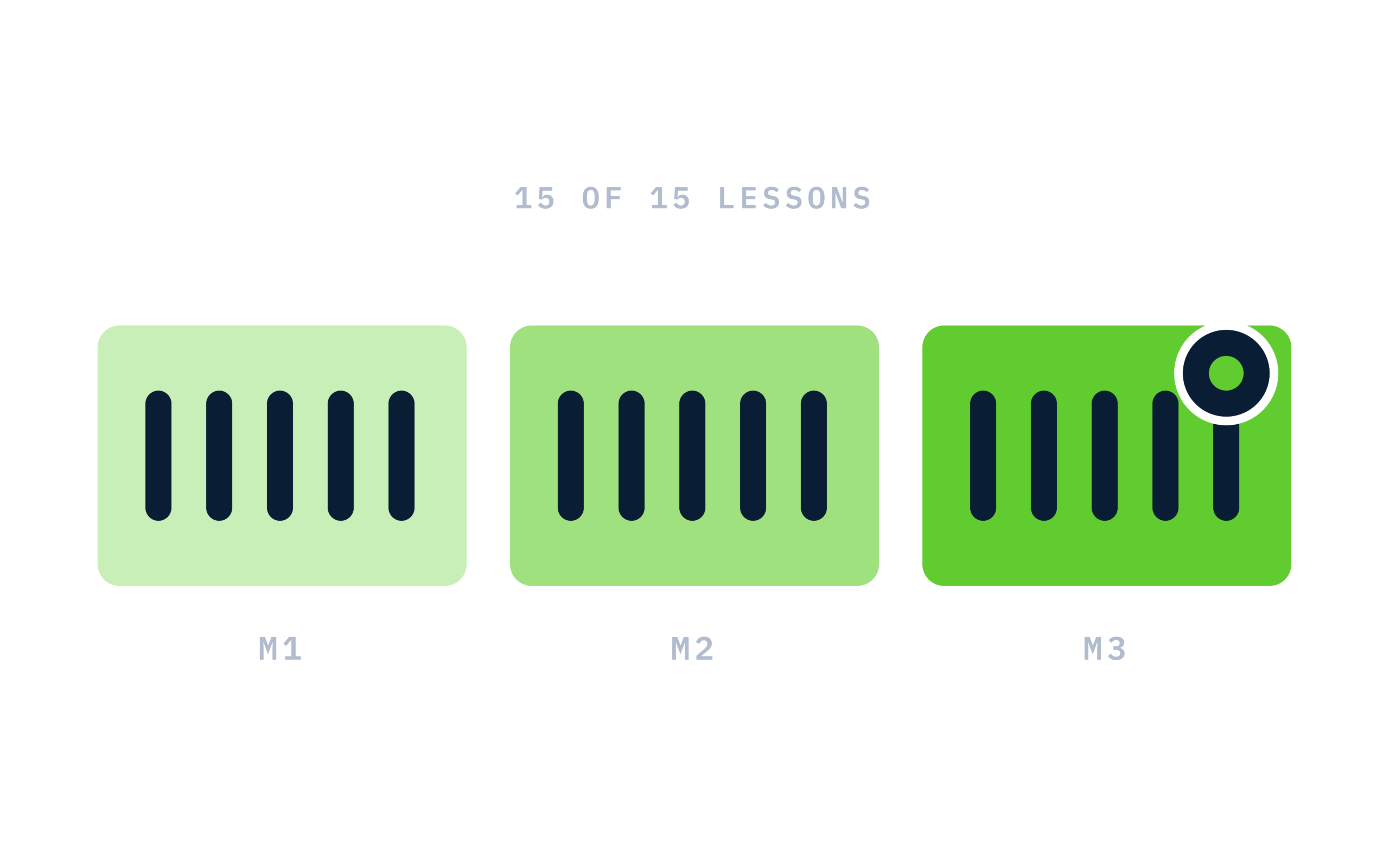
Certificate of completion
Complete every lesson and pass the final exam to earn a RiseCert certificate of completion you can download and share.

Your Name
AI for Clinical Documentation & Administrative Relief
RISECERT
CERTIFICATE
For demonstrated knowledge and successful completion of all course requirements for:
MM.DD.YYYY
Certificate Date

Ready to get started?
Enroll in AI for Clinical Documentation & Administrative Relief and earn your RiseCert certificate of completion.
Got Questions? We've Got Answers!
Answers to the most common questions about this course.