
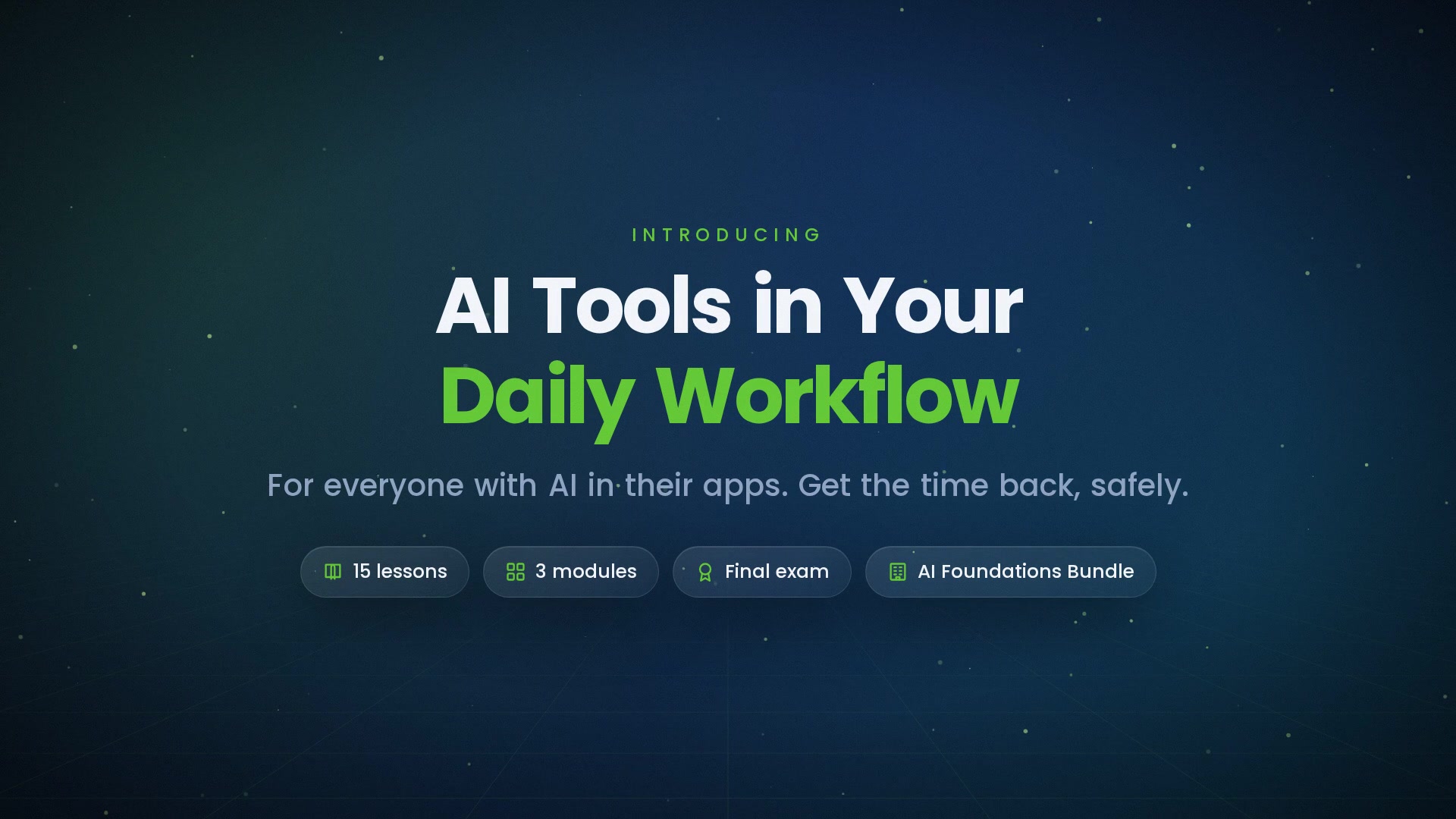
-
 1.1 AI Is Already in Your Apps
The features hiding in email, documents, spreadsheets, meetings, and search — a tour of one ordinary day.
In this lesson:
- Recognize the AI features already present in everyday apps
- Distinguish helpful assistance from automatic features you didn't choose
- Pick one place to start
-
1.2 Chat Assistants vs. Built-In Copilots
The two families of everyday AI tools, what each is for, and when to open which.
In this lesson:
- Tell a general chat assistant from an in-app copilot
- Choose the right one for a task
- Understand what each can and can't see
-
1.3 The Approved-Tools Rule
Why your company's tool list matters, personal vs. work accounts, and how to ask for a tool you need.
In this lesson:
- Explain why approved tools exist
- Keep personal and work accounts separate
- Request a tool through the right channel
-
1.4 Your First Five Minutes with an Assistant
The settings that matter, a first useful prompt, and what to expect back.
In this lesson:
- Check the two settings that matter before the first prompt
- Write a first prompt that returns something useful
- Set realistic expectations for the first result
-
1.5 What Never Goes Into a Tool
Customer data, credentials, contracts — and the ten-second check before pasting anything.
In this lesson:
- Name the four categories that never go into an AI tool
- Run the ten-second check before pasting
- Use placeholders to get the help without the exposure
-
2.1 Inbox: Drafts, Replies, and Triage
First-pass replies, summarizing long threads, and tone control — the biggest daily win for most people.
In this lesson:
- Draft replies from a one-line instruction
- Summarize long threads before reading them in full
- Control tone without rewriting by hand
-
2.2 Documents: From Blank Page to First Draft
Outlines, rewrites, and turning notes into a document — inside the editor you already use.
In this lesson:
- Turn rough notes into a structured first draft
- Rewrite a paragraph in place without leaving the document
- Use an outline-first approach for anything longer than a page
-
2.3 Meetings: Notes, Actions, and Follow-Ups
Transcription and summarization that capture meetings, extract action items, and automate follow-up — with the consent rules that come with it.
In this lesson:
- Use meeting transcription and summaries responsibly
- Extract and verify action items
- Follow consent and recording etiquette
-
2.4 Spreadsheets and Data: Ask, Don't Formula
Plain-language questions, formula help, and sanity-checking numbers before they reach a decision.
In this lesson:
- Ask a spreadsheet copilot for a formula in plain words
- Get a plain-language read of a dataset
- Sanity-check AI-produced numbers before using them
-
2.5 Research: Finding and Summarizing Faster
Search assistants, summarization, and verifying against the source — turning hours of reading into minutes without losing the truth.
In this lesson:
- Use search assistants for a first orientation
- Summarize long material to a purpose
- Verify every claim you'll rely on at its source
-
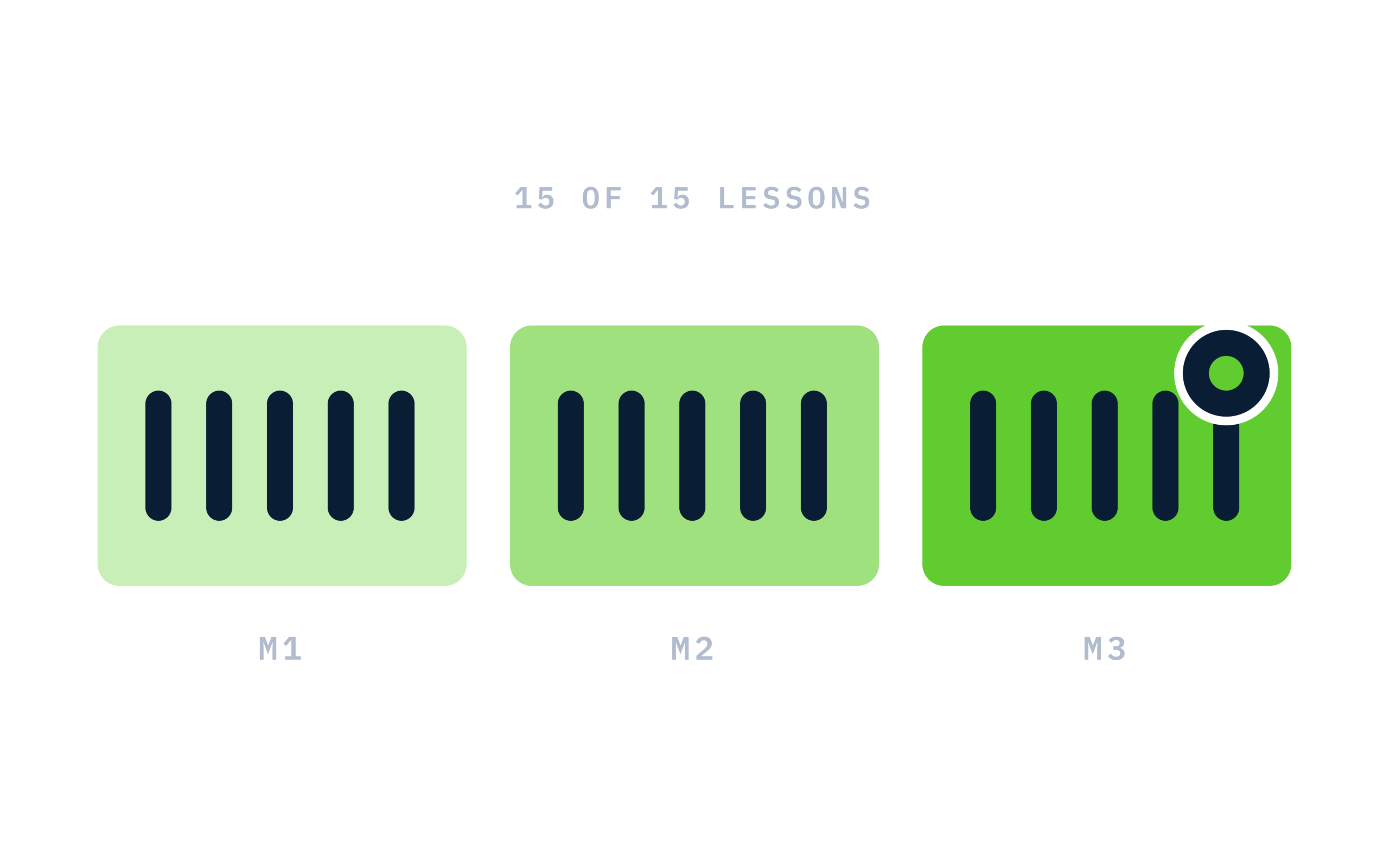
3.1 The Three-Habit Routine
First pass, review, own it — the routine that turns features into a workflow, and how to build it in a week.
In this lesson:
- Describe the three-habit routine
- Apply it to any task
- Build the routine in one week
-
3.2 Reviewing AI Output Like a Pro
The four things to check before anything leaves you — facts, fit, tone, and what's missing.
In this lesson:
- Run the four-point review on any output
- Catch invented facts and dropped points
- Know how deep to review based on where the output is going
-
3.3 When to Close the Tool
Sensitive moments, final decisions, and work that needs a human voice — knowing when not to use AI is part of using it well.
In this lesson:
- Recognize the moments that call for no AI
- Apply a quick test before reaching for a tool
- Handle the pressure to automate what shouldn't be
-
3.4 Sharing What Works with Your Team
Prompts, templates, and small wins that spread — turning one person's workflow into a team's.
In this lesson:
- Share a working prompt or template with the context that makes it work
- Run a five-minute show-and-tell that spreads a win
- Keep a light team library
-
3.5 Your Workflow, Upgraded
A personal map of where AI now sits in your day, what to try next, and the course wrap-up.
In this lesson:
- Map where AI now fits in your daily work
- Choose the next two features to try
- Complete AI Tools in Your Daily Workflow

Certificate of completion
Complete every lesson and pass the final exam to earn a RiseCert certificate of completion you can download and share.

Your Name
AI Tools in Your Daily Workflow
RISECERT
CERTIFICATE
For demonstrated knowledge and successful completion of all course requirements for:
MM.DD.YYYY
Certificate Date

Ready to get started?
Enroll in AI Tools in Your Daily Workflow and earn your RiseCert certificate of completion.
Got Questions? We've Got Answers!
Answers to the most common questions about this course.