
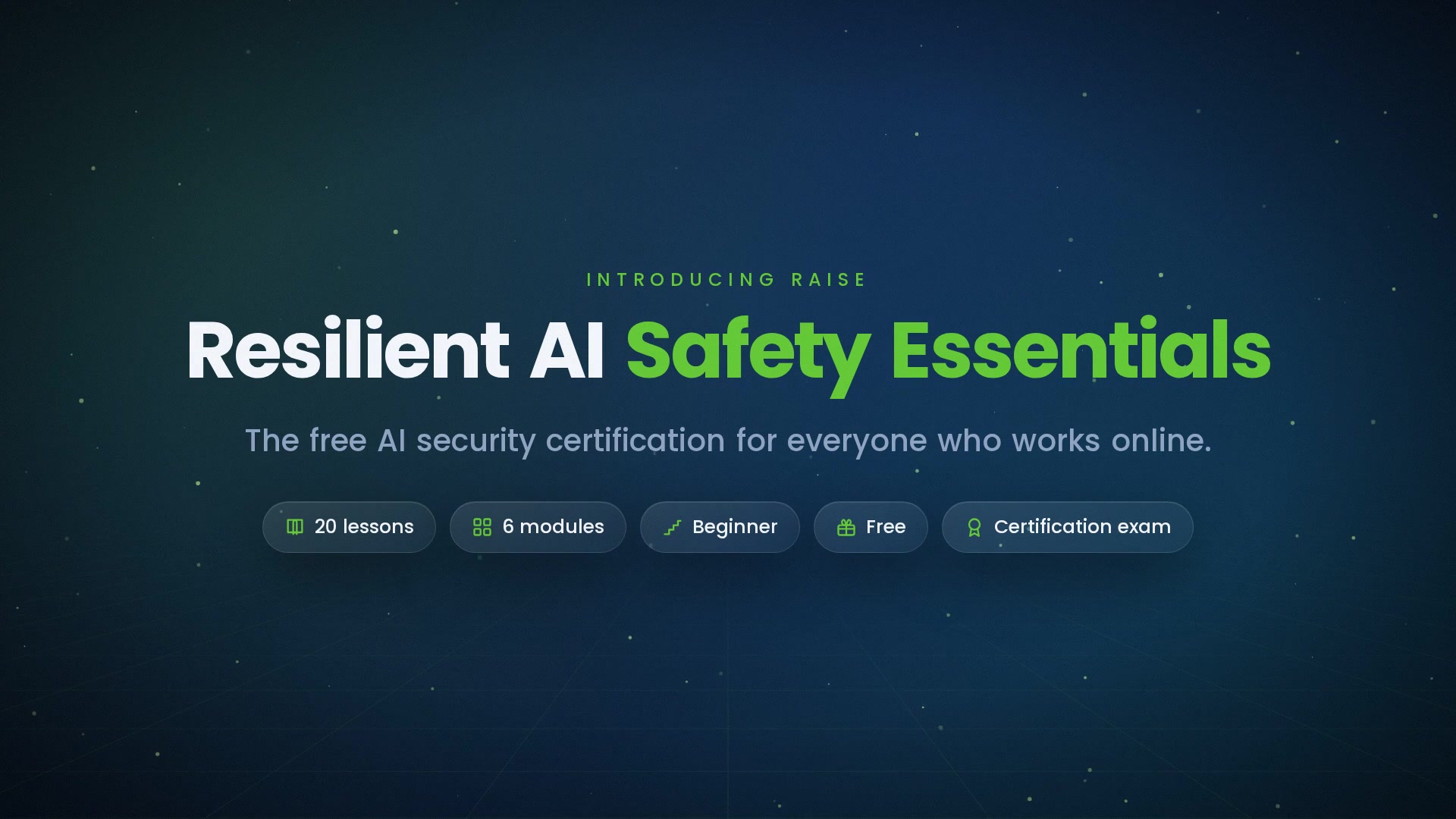
-
 1.1 What AI Changed About Cyber Attacks
Speed, scale, quality — and why everyone is now a target.
In this lesson:
- Name the three shifts AI brought to cyber attacks
- Understand why the old tells no longer work
- See why prepared people are the durable defense
-
1.2 The Attack Families
Phishing, voice cloning, deepfakes, intrusions, and the recon that fuels them.
In this lesson:
- Recognize the five AI-enabled attack families
- Understand how reconnaissance arms them all
- See the common shape beneath every attack
-
1.3 Why Yesterday's Training Fails
Spot-the-fake is dead; the pressure decision is the skill — and calibration beats panic.
In this lesson:
- See why spot-the-fake training stopped working
- Understand the pressure decision as the real skill
- Adopt the calibrated stance: serious threat, workable defense
-
1.4 The Defender's Position
People + process + technology — and why you staff the two strongest layers.
In this lesson:
- Understand the three defensive layers and their trade-offs
- See why layers cover each other's misses
- Recognize that you are two of the three layers
-
2.1 Spotting AI Phishing, Voice Clones & Deepfakes
The signals that survive fluency — across email, phone, and video.
In this lesson:
- Judge requests, not surfaces, across every channel
- Recognize the behavioral tells of clones and deepfakes
- Treat every channel as unverified until you check
-
2.2 The Golden Rule: Out-of-Band Verification
The one principle no fake survives — plus code words and callback culture.
In this lesson:
- Define out-of-band verification precisely
- Choose valid channels; set up code words
- Build callback culture that removes the social cost
-
2.3 Payment Controls, BEC & Verifying Under Pressure
Structural controls, the costliest con, and the STOP drill for the pressure moment.
In this lesson:
- Apply dual approval and banking-change controls
- Recognize business email compromise 2.0
- Run the STOP drill when everything screams now
-
3.1 Your AI Tools Are a Target
Injection, leakage, poisoning, and shadow AI — the four new attack paths.
In this lesson:
- See AI tools as part of your attack surface
- Recognize injection, leakage, poisoning, and shadow AI
- Adopt the bright-gullible-colleague mindset
-
3.2 Safe AI Usage Habits
Approved tools, prompt hygiene, and verifying outputs before you act.
In this lesson:
- Run the approved-tool, approved-account check
- Apply prompt hygiene and de-identification
- Verify AI outputs in proportion to the stakes
-
3.3 Agents, Integrations & Organizational Safeguards
Least privilege for AI that acts and connects — plus policy, identity, and vendors.
In this lesson:
- Apply least privilege to agents and integrations
- Keep humans on the irreversible steps
- Know the organizational safeguards: policy, identity, monitoring, vendors
-
4.1 Passwords, MFA & Account Security
The four habits that take you out of the easy-target pool.
In this lesson:
- Adopt the four account-security habits
- Understand why password reuse is uniquely dangerous now
- Recognize the MFA-code and install-this cons
-
4.2 Your Digital Footprint & Your Likeness
Starve the reconnaissance, and manage the reality that you are clonable.
In this lesson:
- Run the footprint audit that weakens personalization
- Keep career assets while trimming attack fuel
- Reduce and respond as a clonable person
-
4.3 Protecting Your Family
The family safety setup — code words, elders, teens, and the household rule.
In this lesson:
- Set up the family code word and callback habit
- Protect elders from emergency and support scams
- Protect teens through openness, not just monitoring
-
4.4 The Reporting Advantage
Why fast, blame-free reporting is the cheapest force-multiplier in security.
In this lesson:
- See how one report protects the whole group
- Retire the shame that delays reporting
- Report well — including near-misses
-
5.1 Recognize & Triage: Fraud, Fake, or Breach
Machine-speed incidents, the signals, and sorting the type fast.
In this lesson:
- Understand why AI compressed the incident timeline
- Recognize the human and system signals early
- Triage into fraud, fake, or breach
-
5.2 The First Hour
Contain, preserve, escalate — and what to do if you clicked or paid.
In this lesson:
- Run the universal first-hour actions
- Act on fraud, clicks, and credential slips fast
- Favor reversible, aggressive containment
-
5.3 Recover & Learn
The blameless review, evidence and legal duties, and rebuilding trust.
In this lesson:
- Run a blameless post-incident review
- Understand evidence and legal-duty basics
- Rebuild trust — and gain credibility
-
6.1 Assess Your Readiness
An honest baseline: readiness, crown jewels, and who gets targeted.
In this lesson:
- Assess readiness across people, process, technology, response
- Identify crown jewels and likely attack paths
- Map which roles attackers target most
-
6.2 Build & Sustain the Program
Layered defense, training that works, metrics, drills, and governance.
In this lesson:
- Build a layered program with early wins and named owners
- Design training and metrics that change behavior
- Sustain the program with drills and governance
-
6.3 The Resilient Organization
The whole course assembled — threat-aware, not afraid. The finale.
In this lesson:
- Assemble the course into one worldview
- Carry the durable defender's creed
- Complete AI Cybersecurity & Safety Essentials

Certificate of completion
Complete every lesson and pass the final exam to earn a RiseCert certificate of completion you can download and share.

Your Name
Resilient AI Safety Essentials — RAISE
RISECERT
CERTIFICATE
For demonstrated knowledge and successful completion of all course requirements for:
MM.DD.YYYY
Certificate Date

Ready to get started?
Enroll in Resilient AI Safety Essentials — RAISE and earn your RiseCert certificate of completion.
Got Questions? We've Got Answers!
Answers to the most common questions about this course.